by bassybeats | Oct 26, 2025 | Retro Gaming
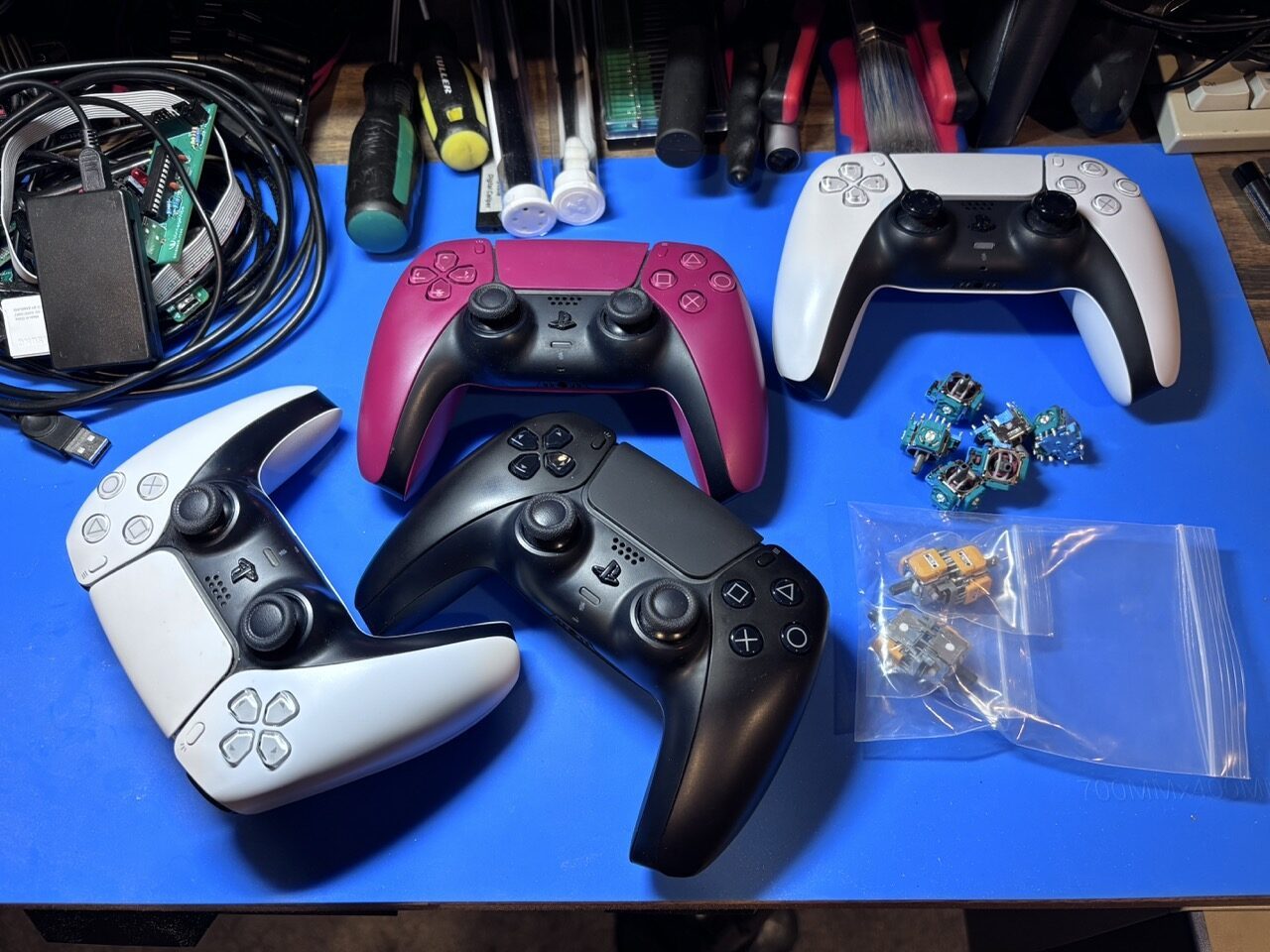
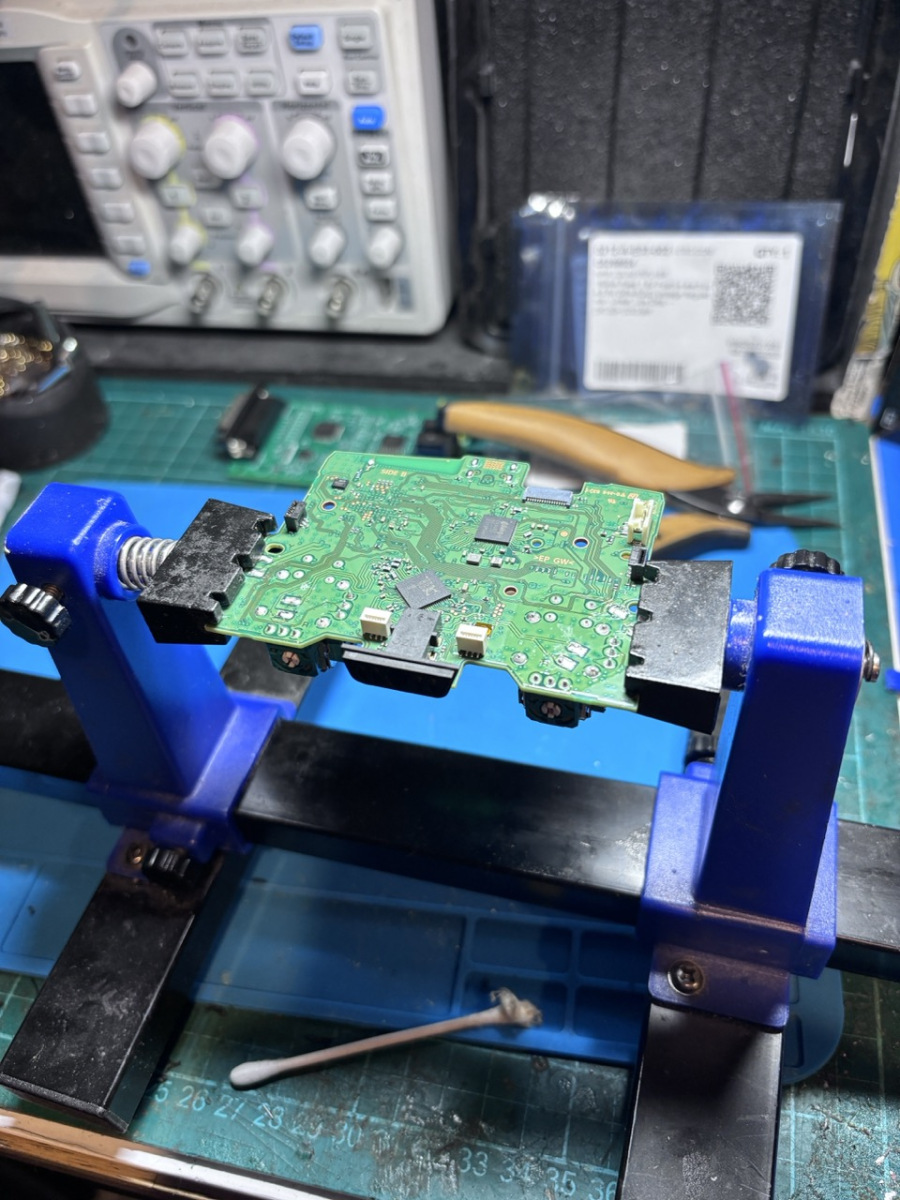
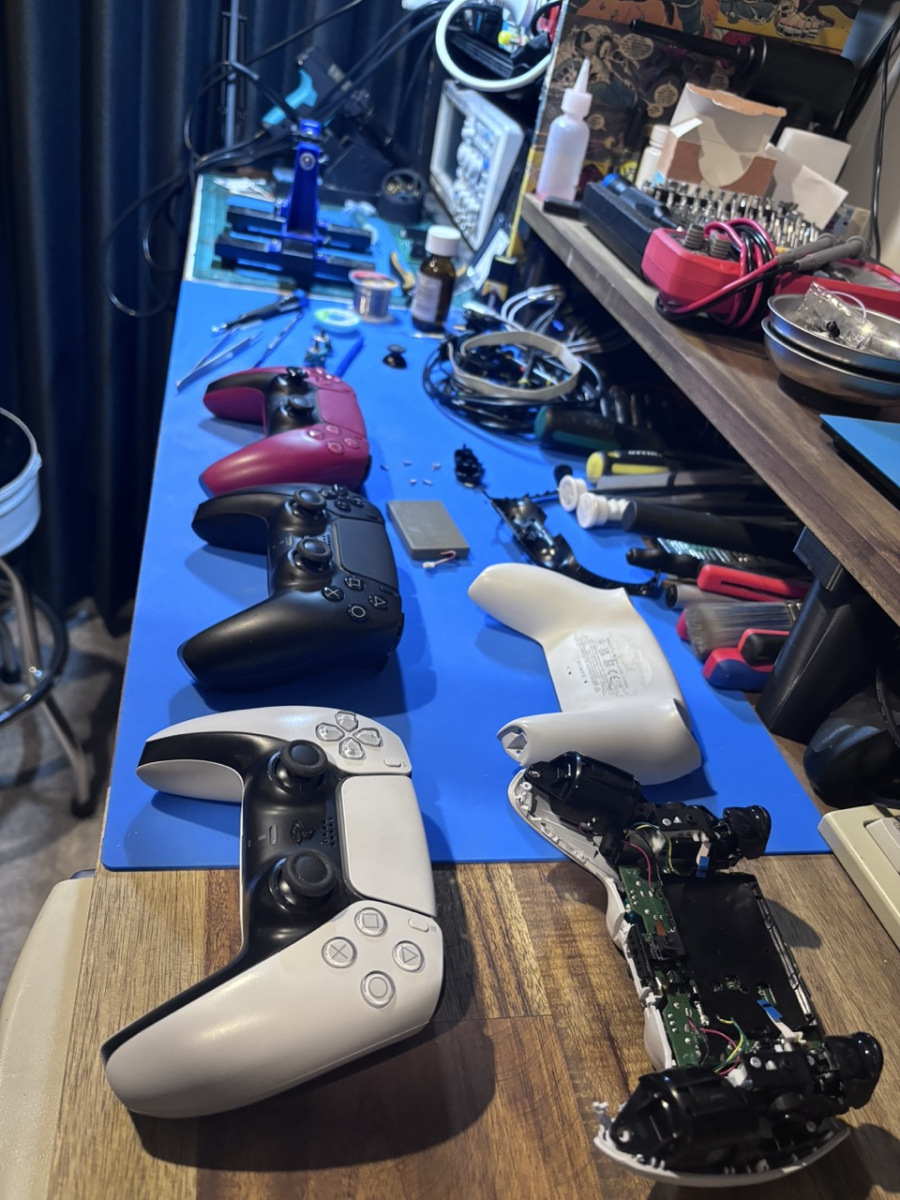
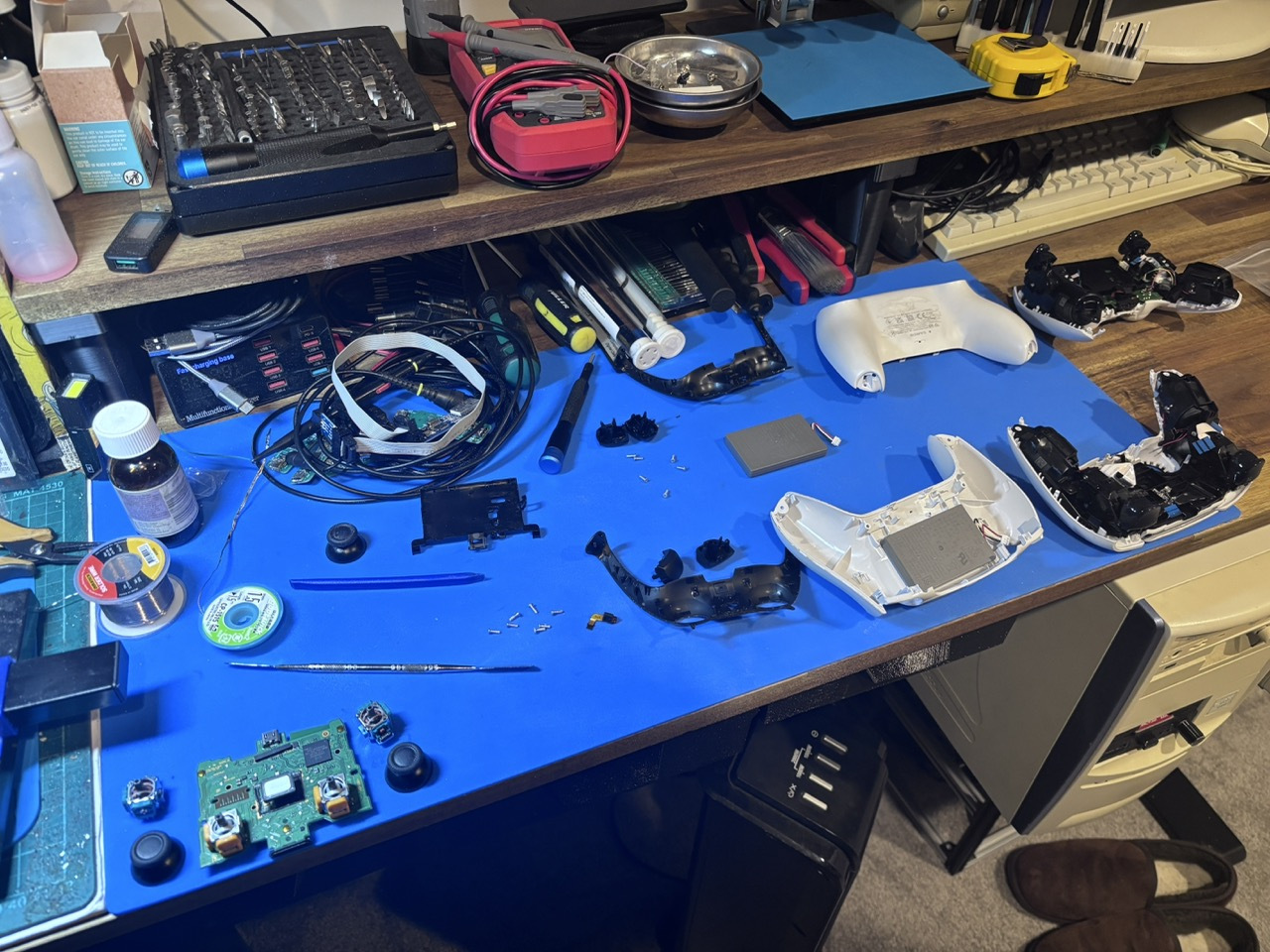
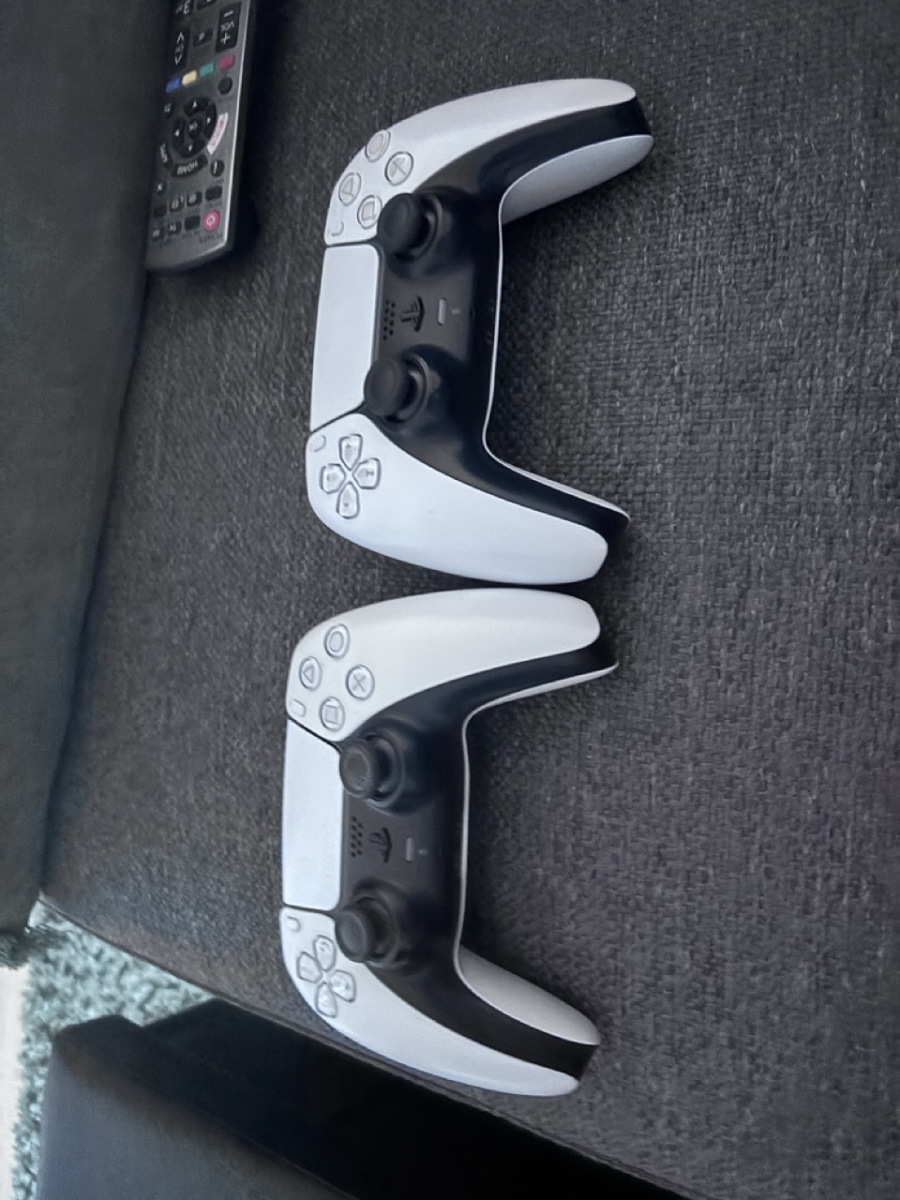
Somehow I ended up with a bunch of faulty Dualsense controllers and then a few mates wanted theirs fixed as well, so I ordered up a bunch of them to do them all at once.
Removing and reinstalling
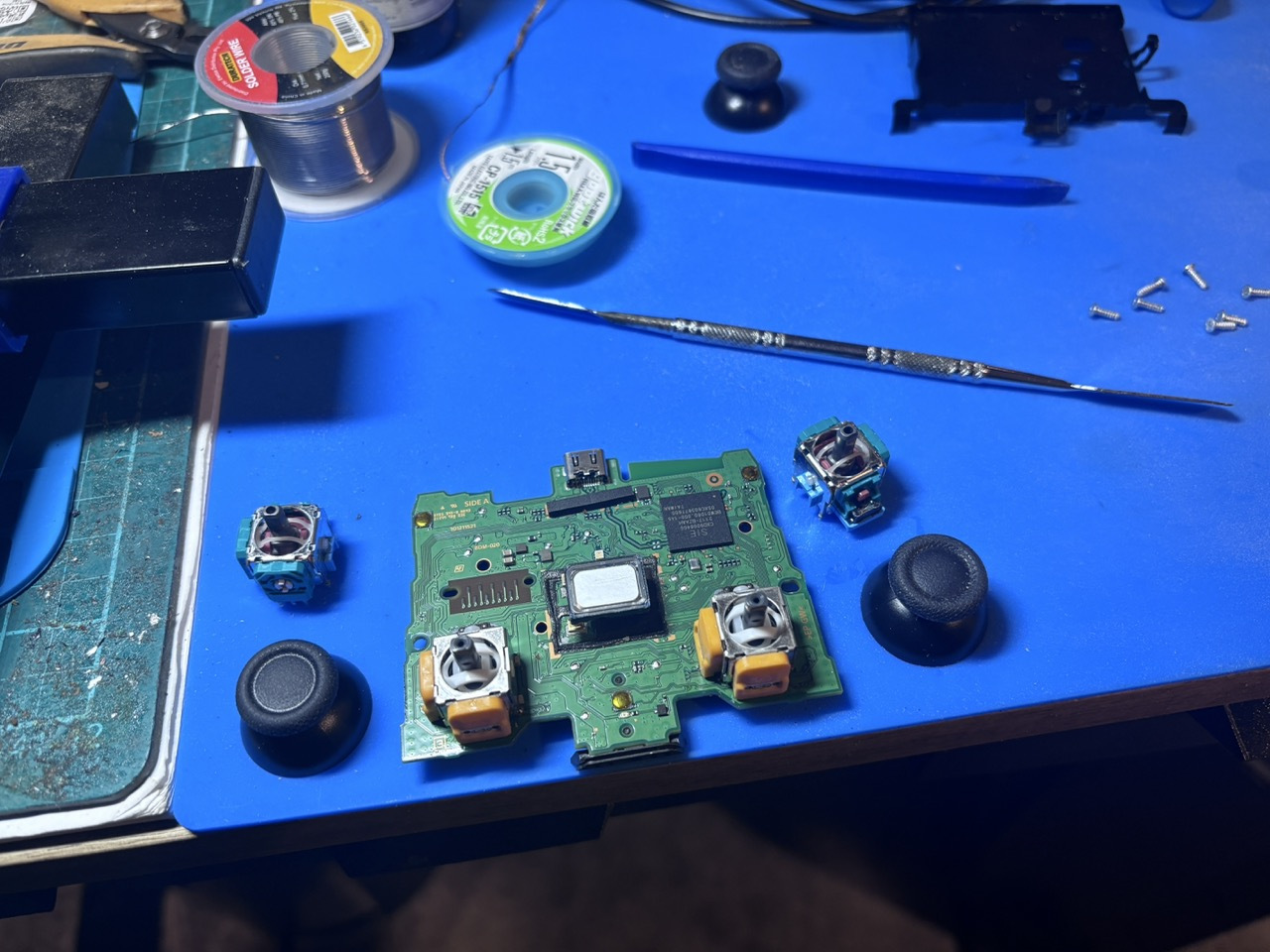
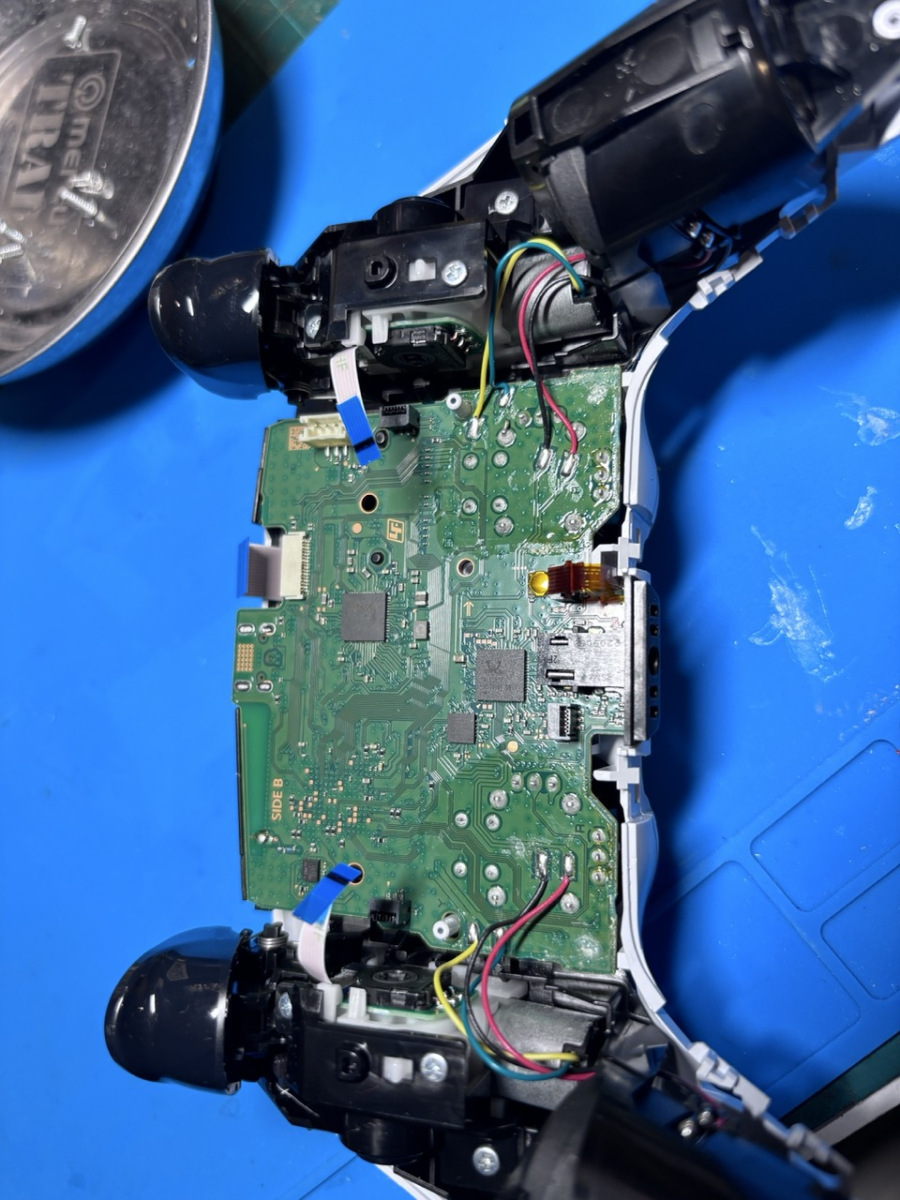
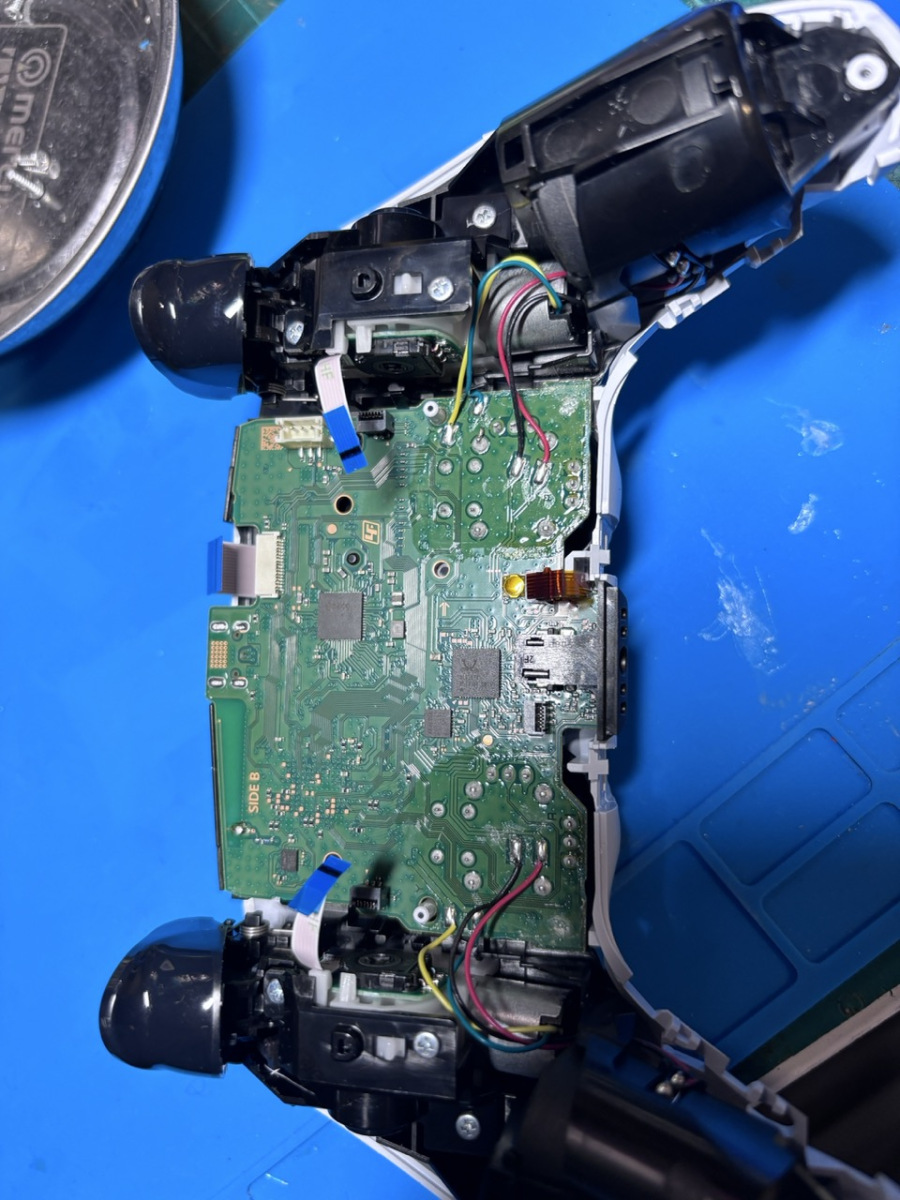
Tearing down the controllers was pretty easy, although I did realise that there is 2 different versions of dual sense controllers already. It is always easier to remove the old sticks with new solder, then a desoldering gun, then hot air out the last of it and they just drop out. If you have good hot air, you could probably do it all in once step.
I got the replacement hall effect sticks from AliExpress, https://www.aliexpress.com/item/1005007688806322.html?spm=a2g0o.order_list.order_list_main.186.785e1802SoJOqZ
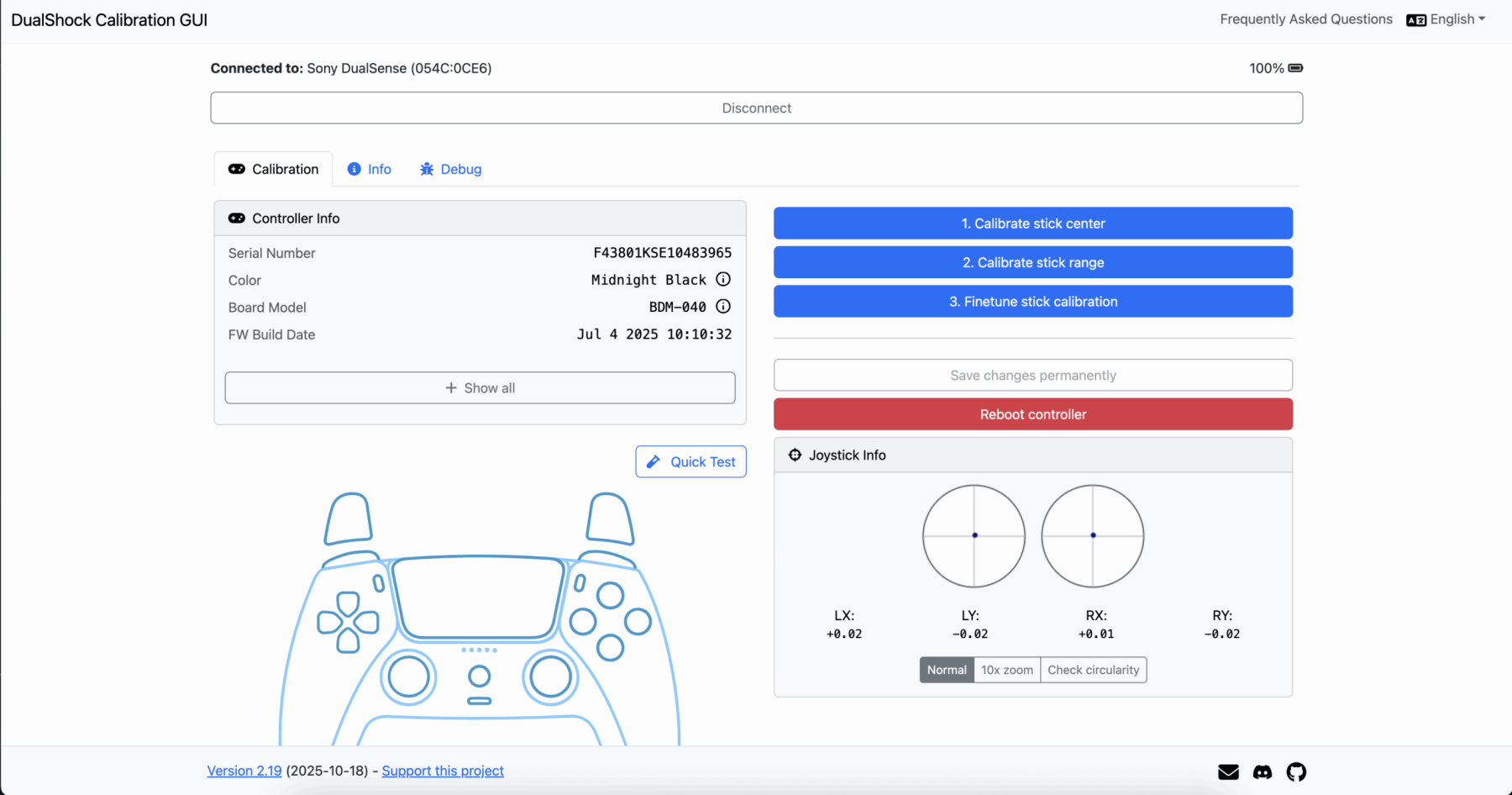
The only thing you have to do after you replace them is recalibrate the sticks afterwards. I used https://dualshock-tools.github.io/
by bassybeats | Oct 26, 2025 | Others
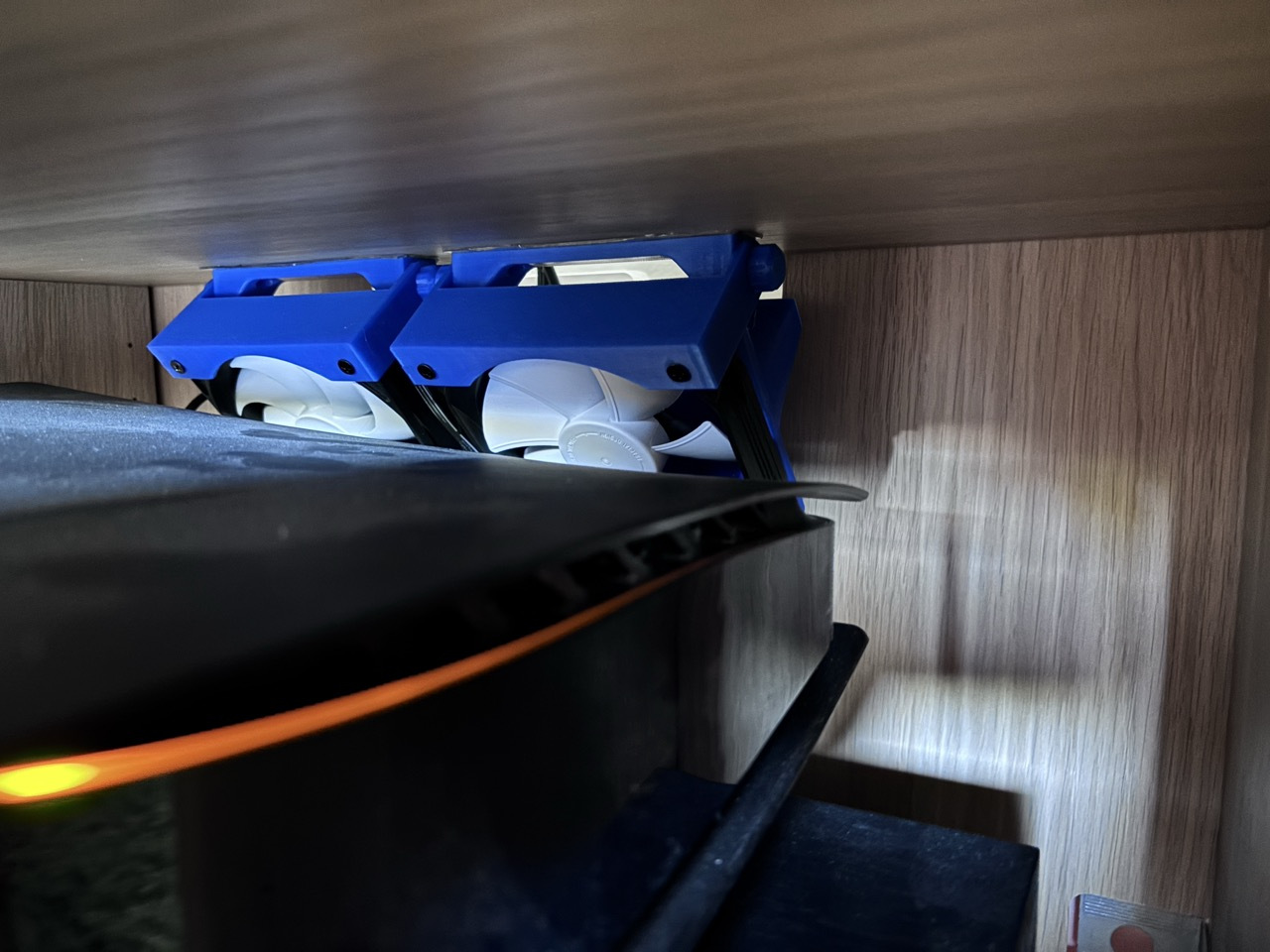
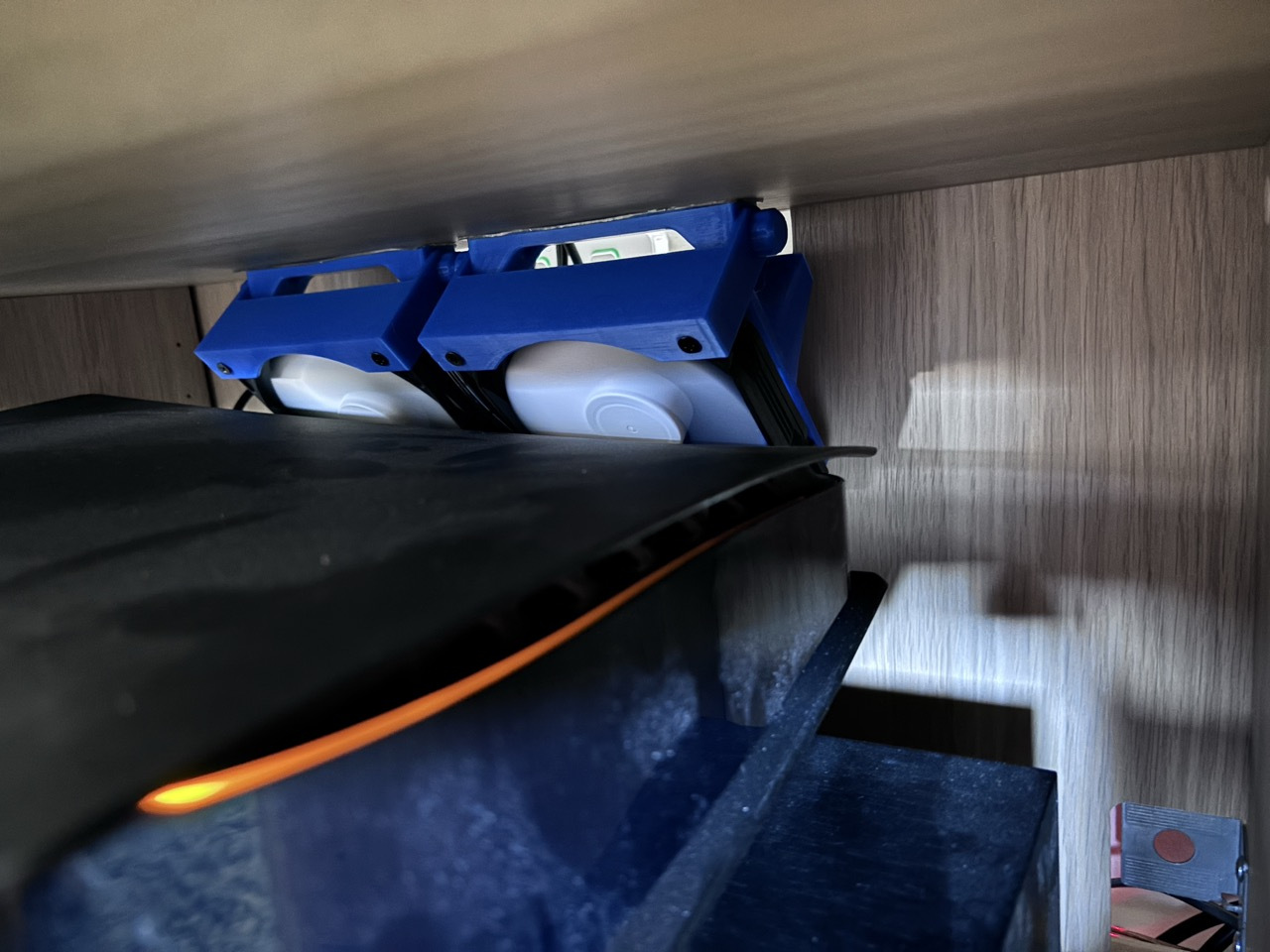
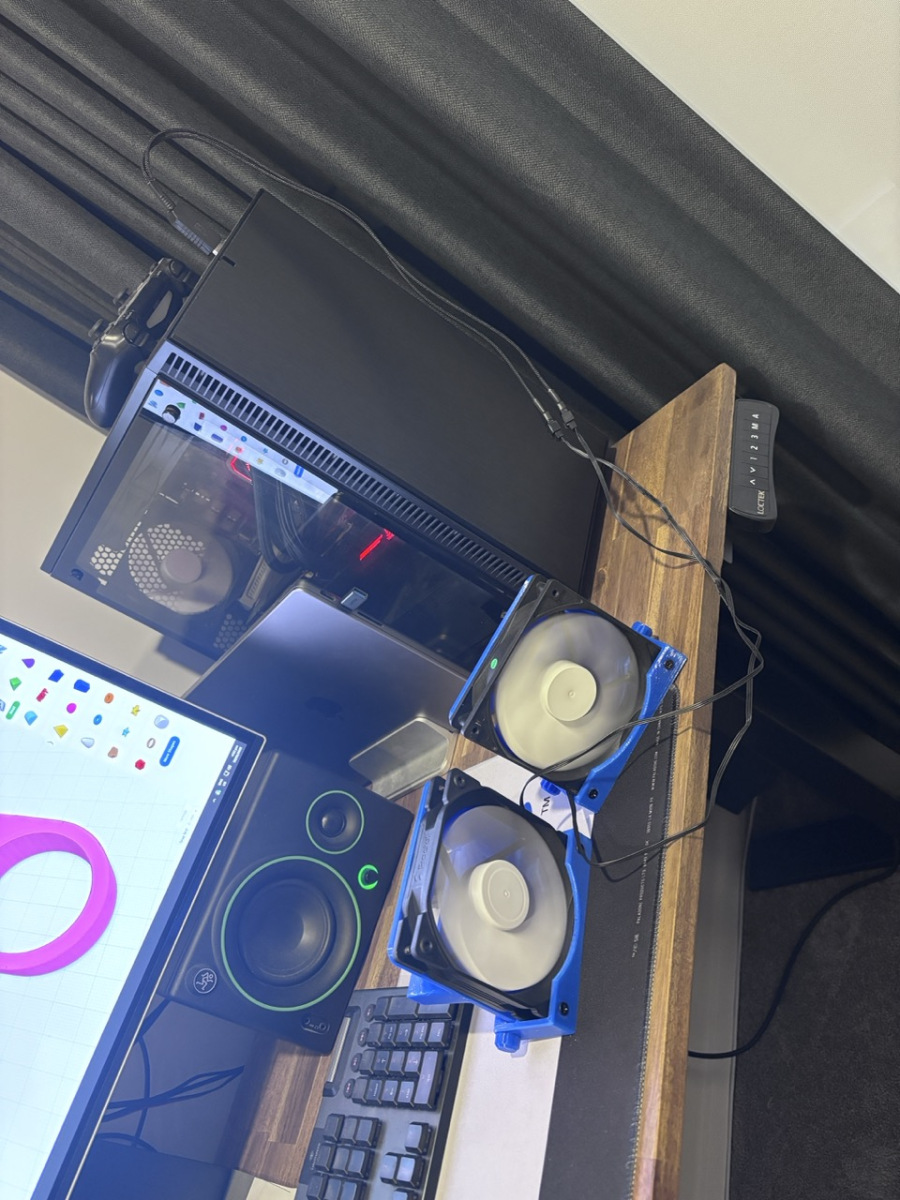
This is just a quick little project to put some exhaust cooling fans in my Ikea TV cabinet so the PS5 doesn’t overheat and die.
Gallery
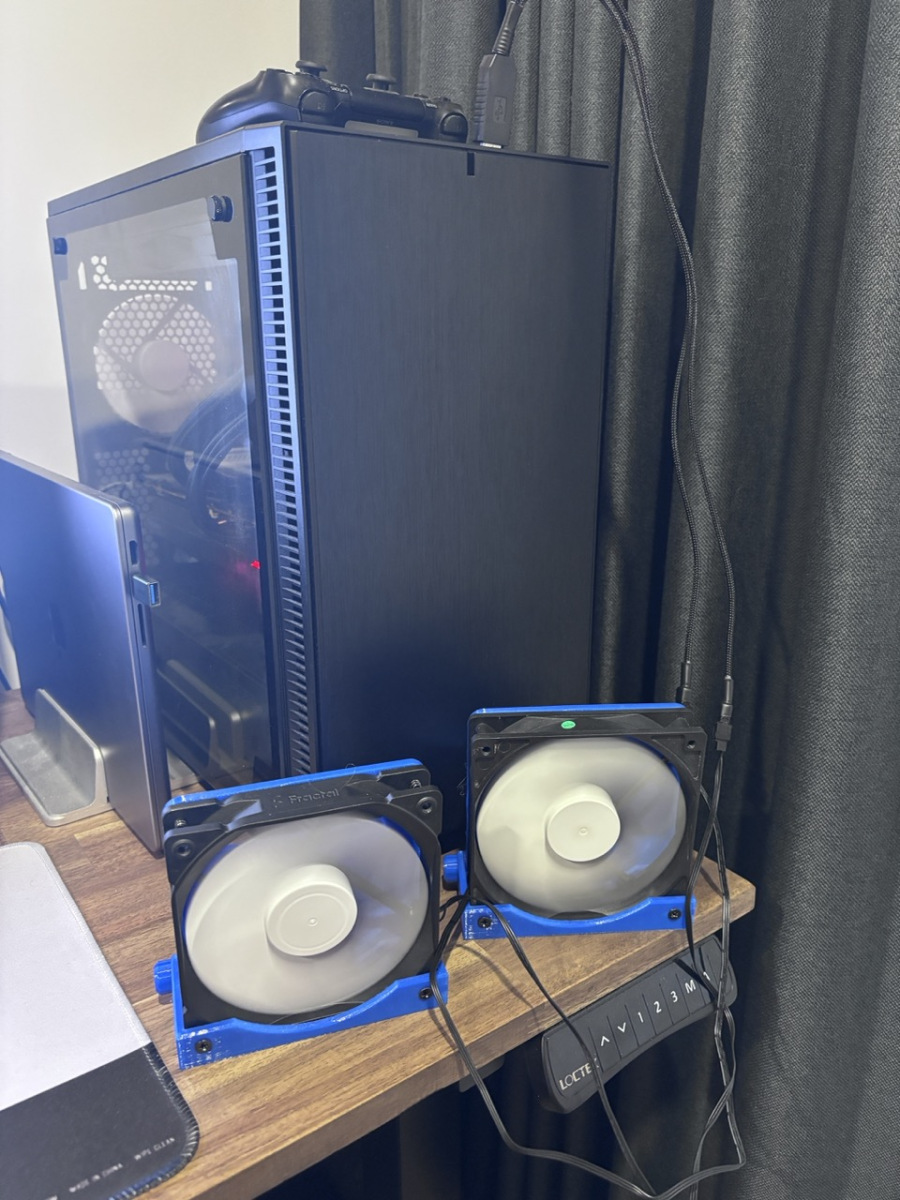
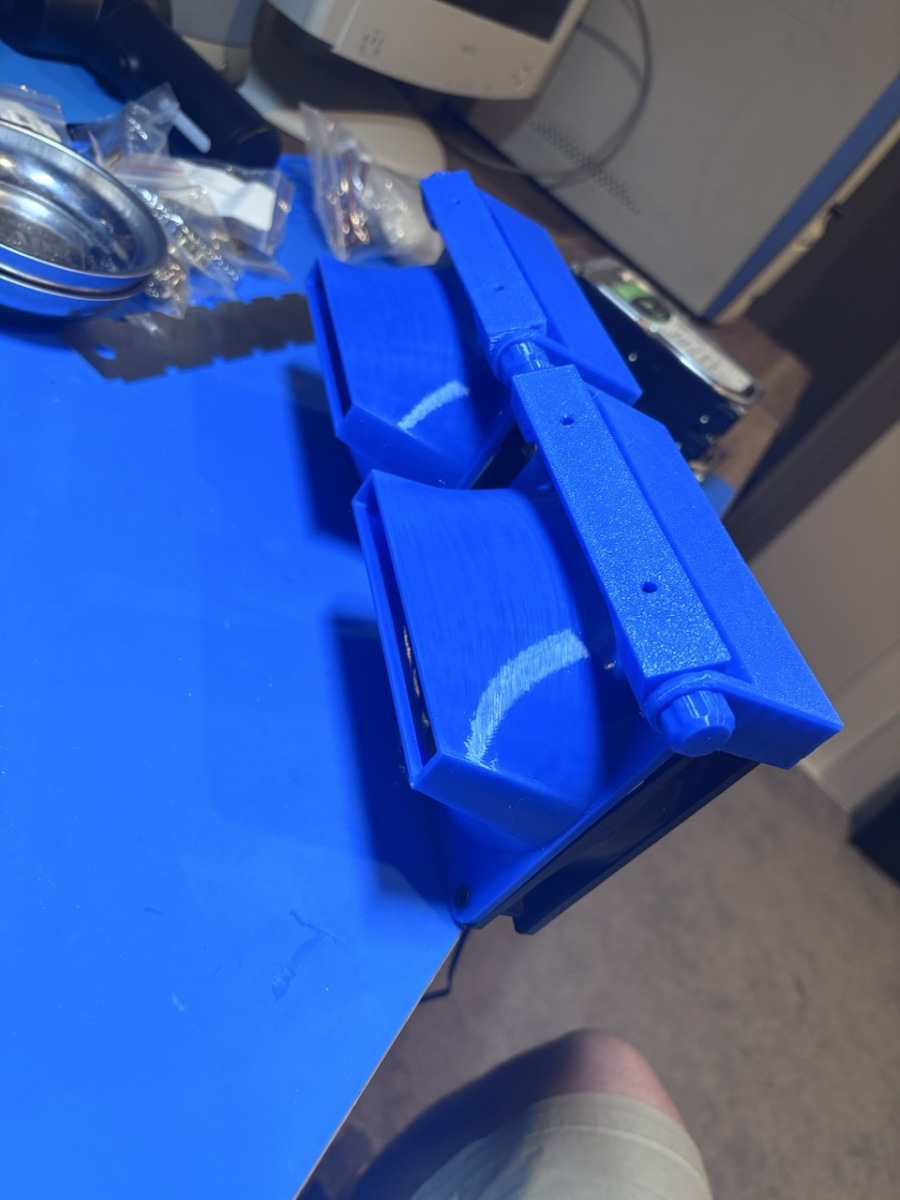
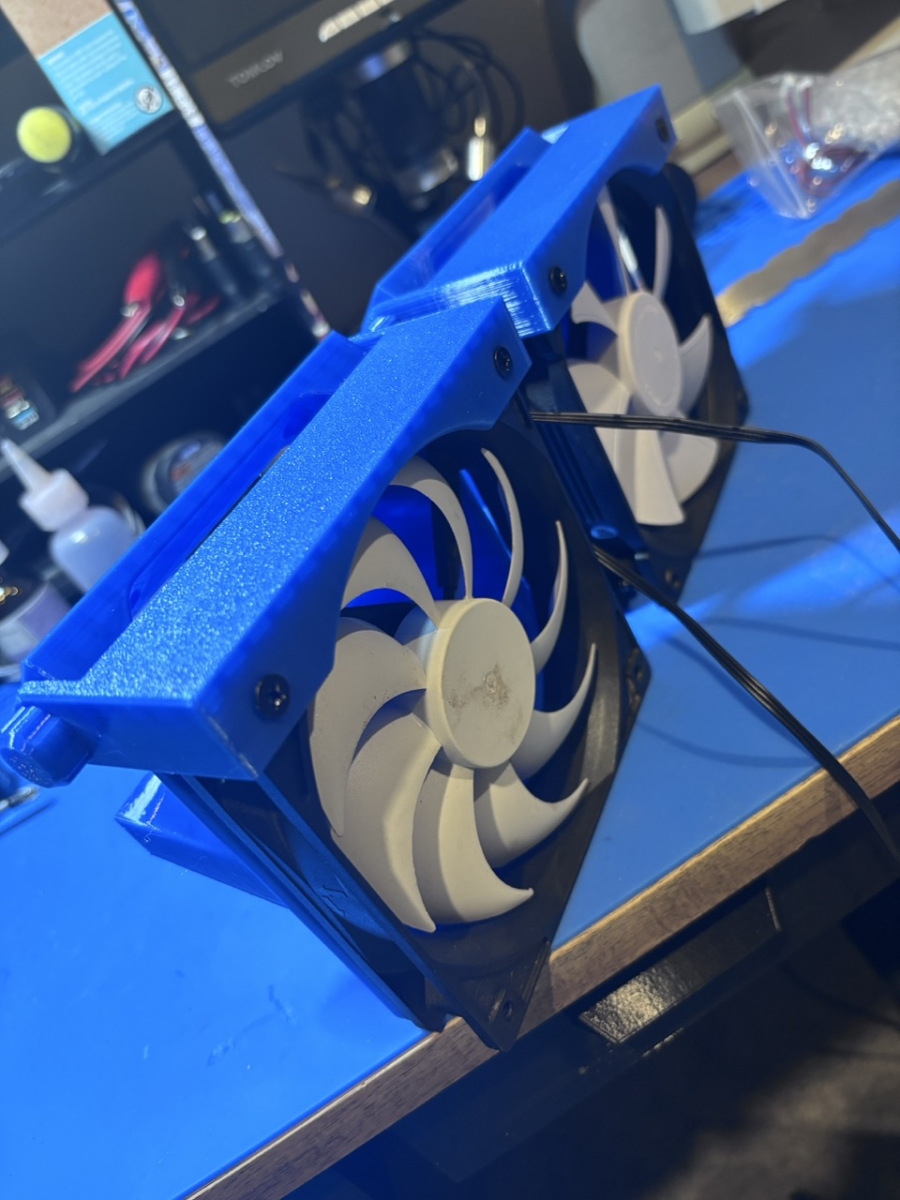
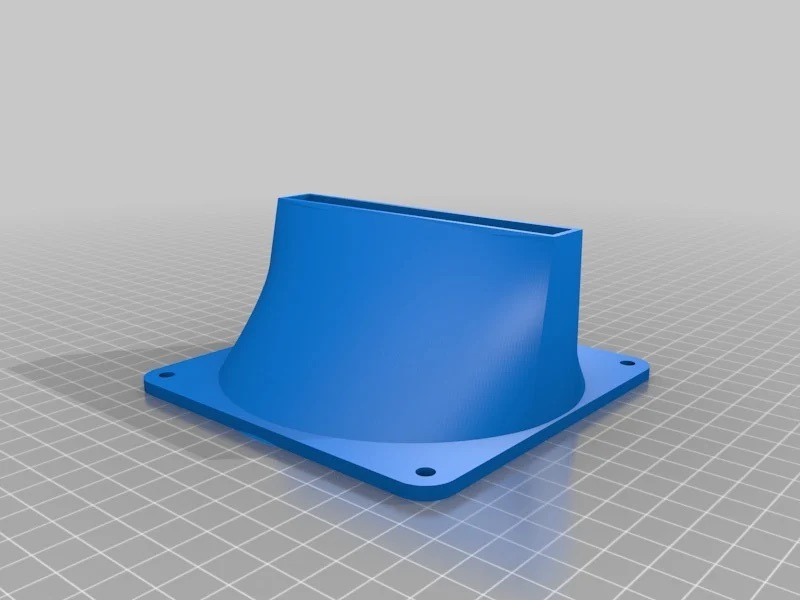
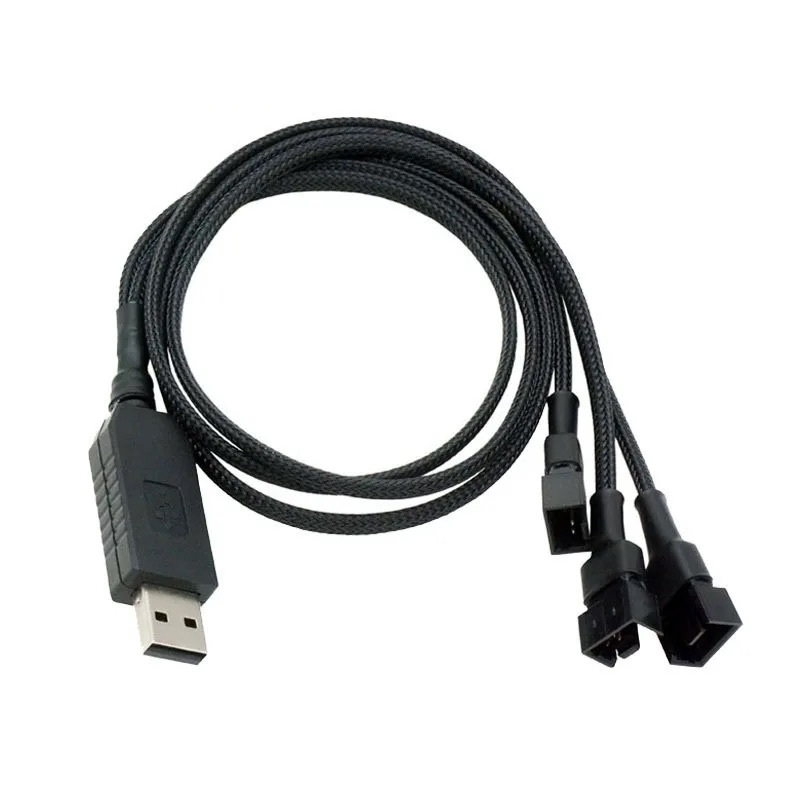
Just a few photos of the finished product. Its a mashup of 2 STL files, a 2x120mm fan mount and 120mm exhaust funnels. I am using USB to 12V fan adapters.
https://www.thingiverse.com/thing:1745860
https://www.printables.com/model/525851-adjustable-bracket-for-a-120mm-fan
https://www.aliexpress.com/item/1005007600112166.html?spm=a2g0o.order_list.order_list_main.251.785e1802SoJOqZ
by bassybeats | Oct 26, 2025 | Computing
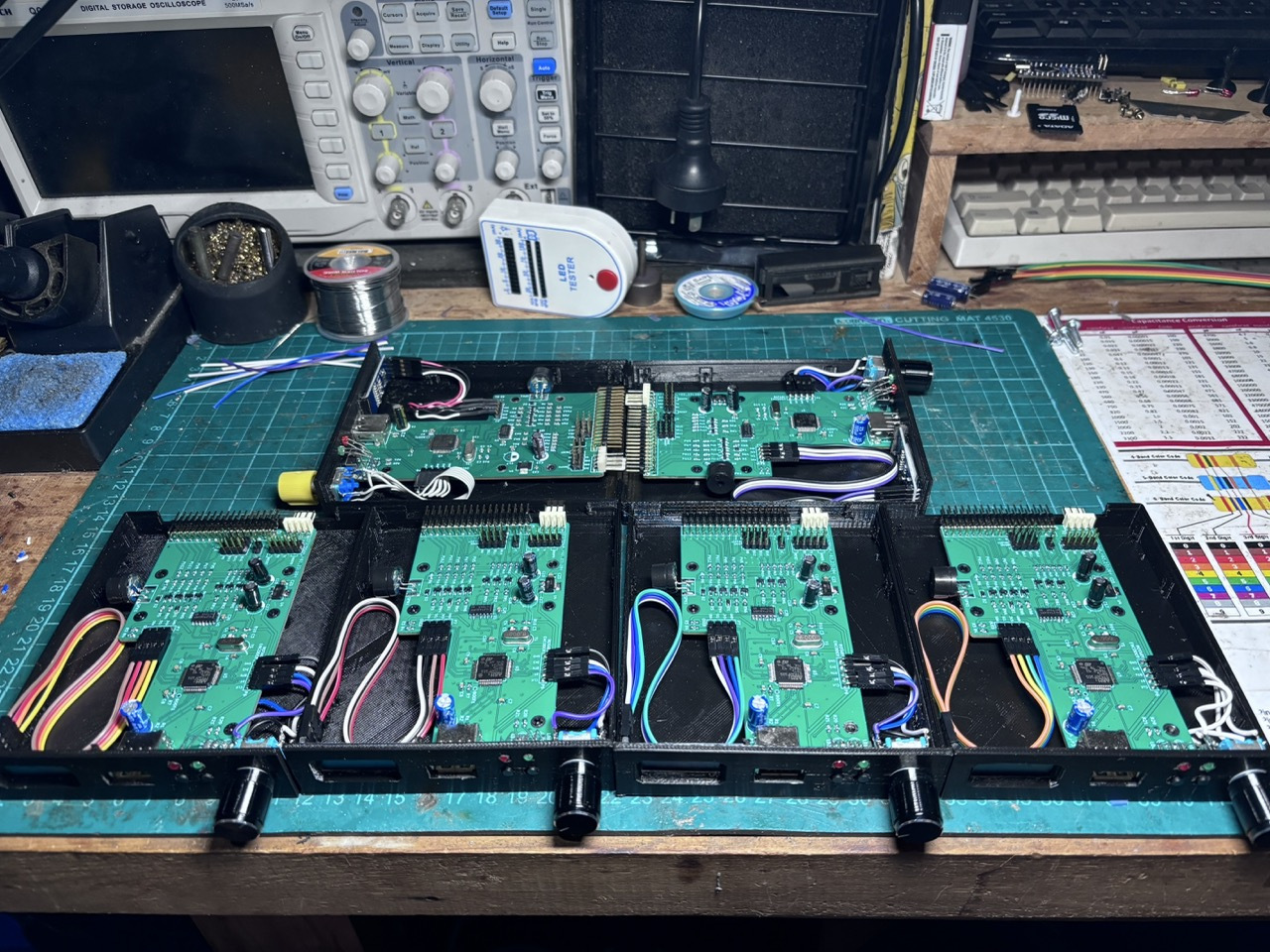
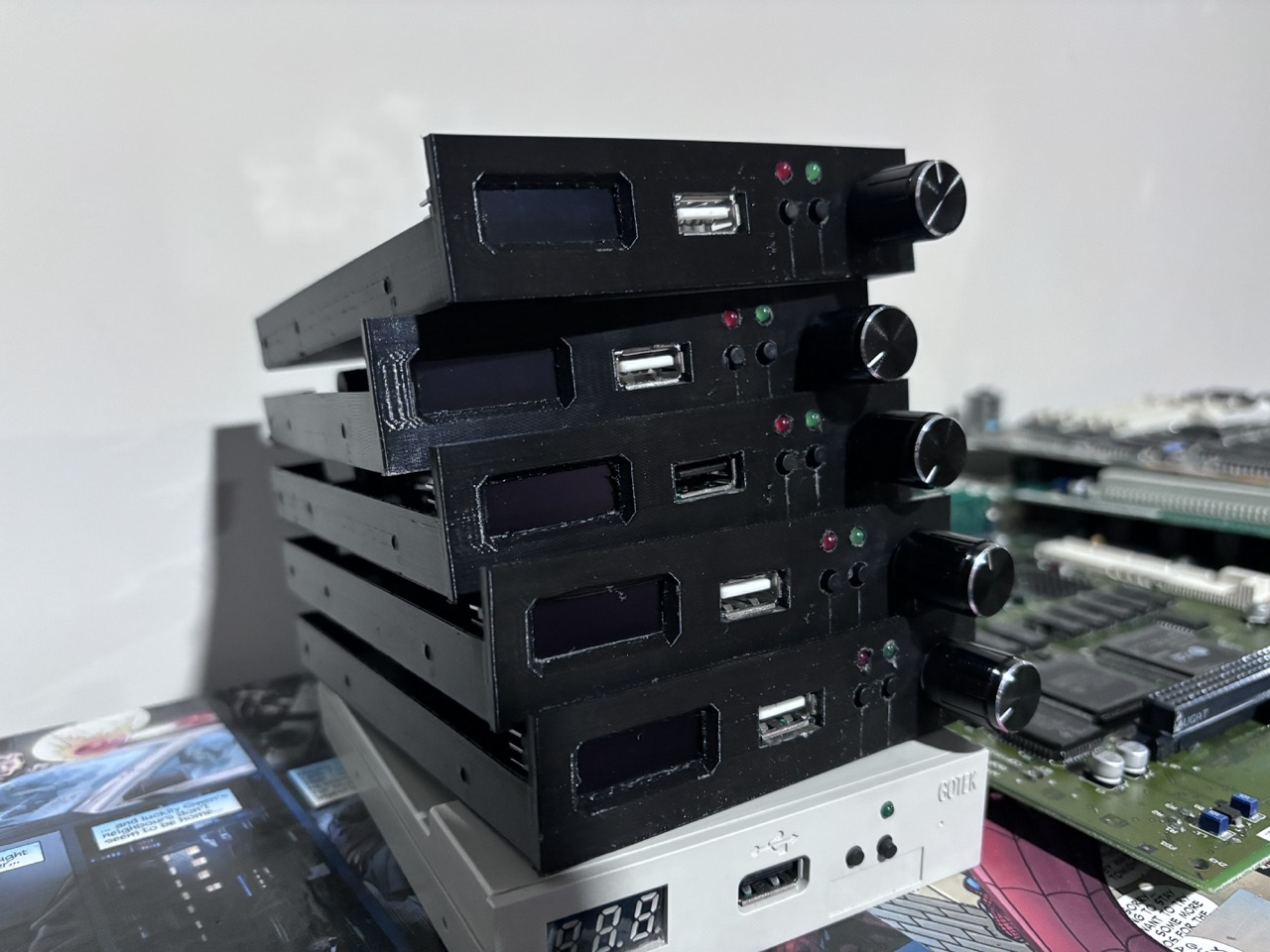
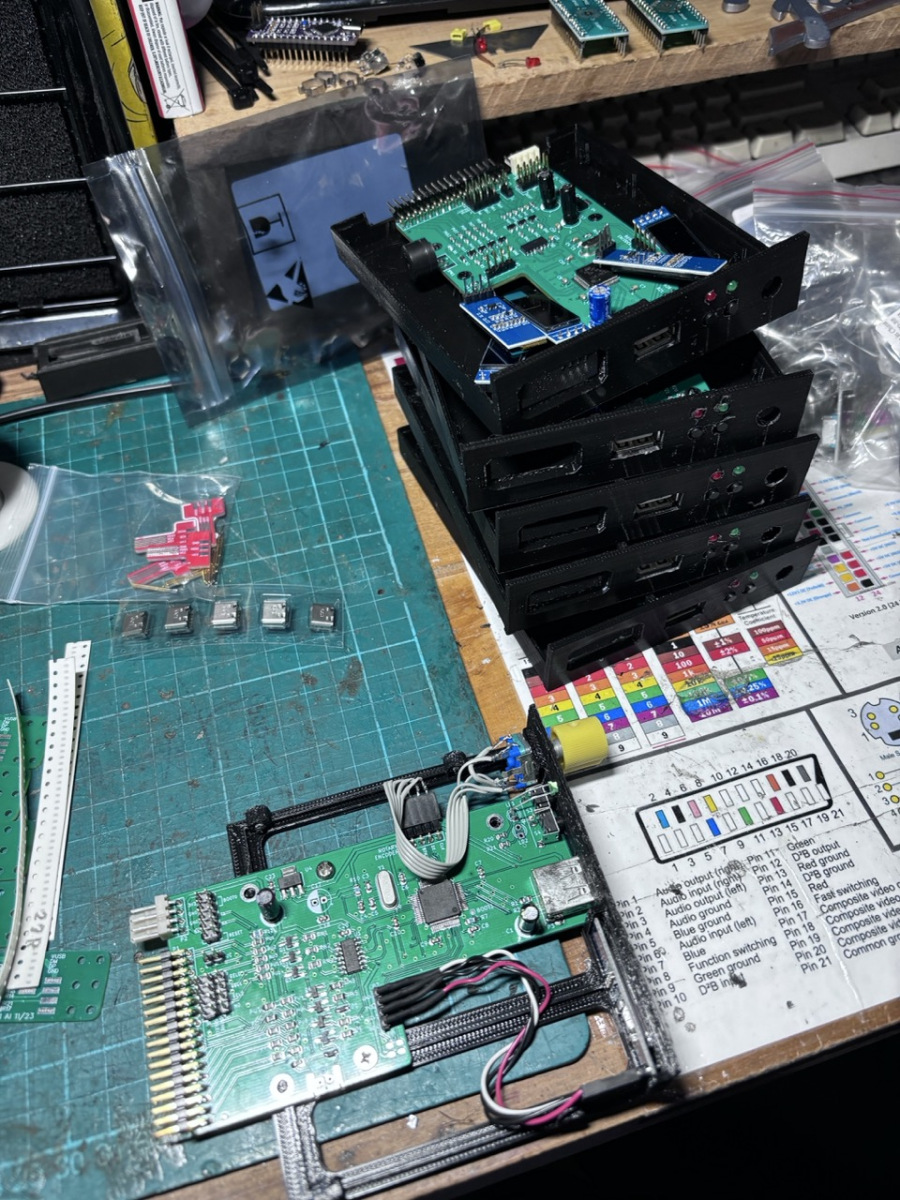
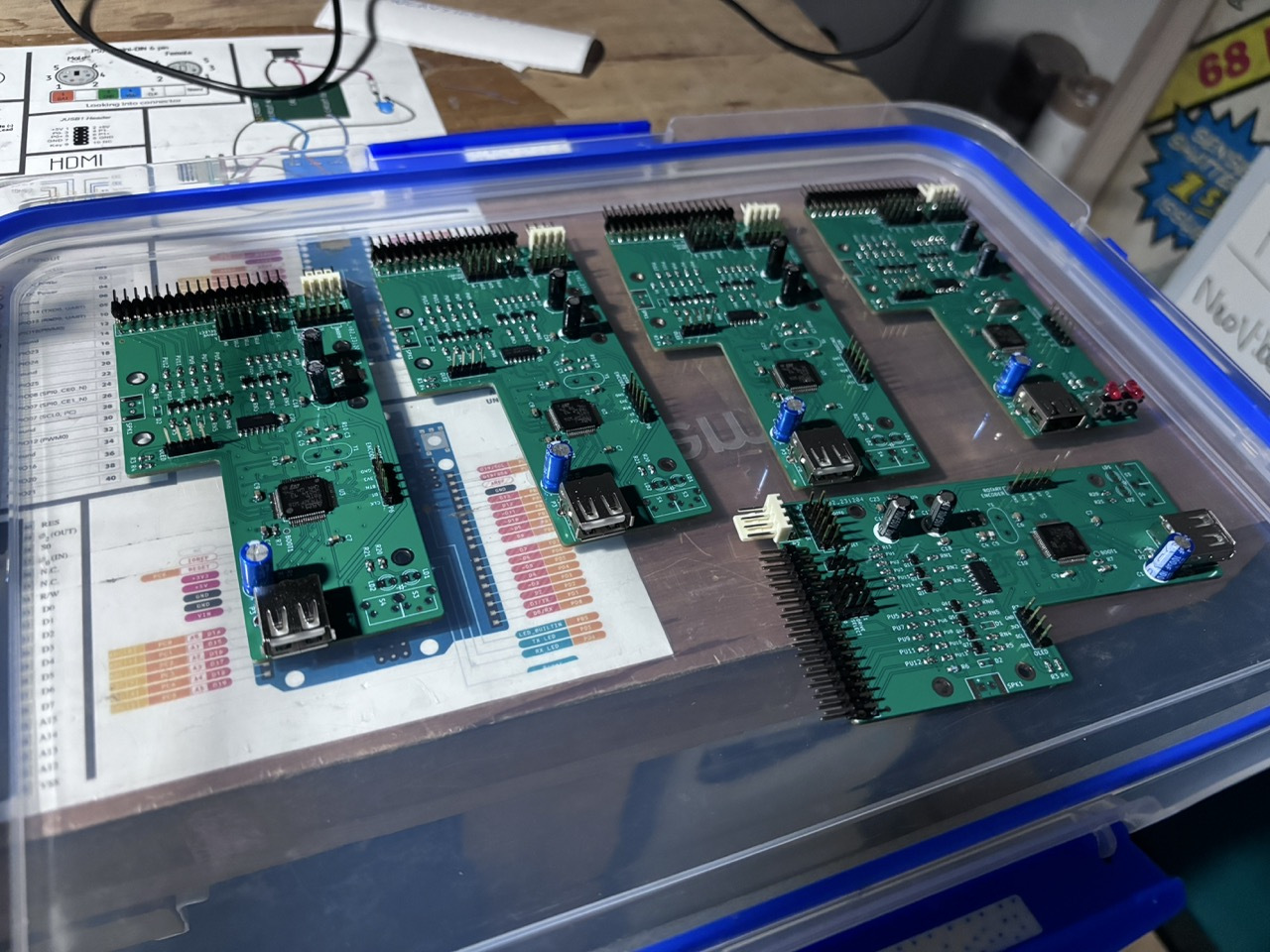
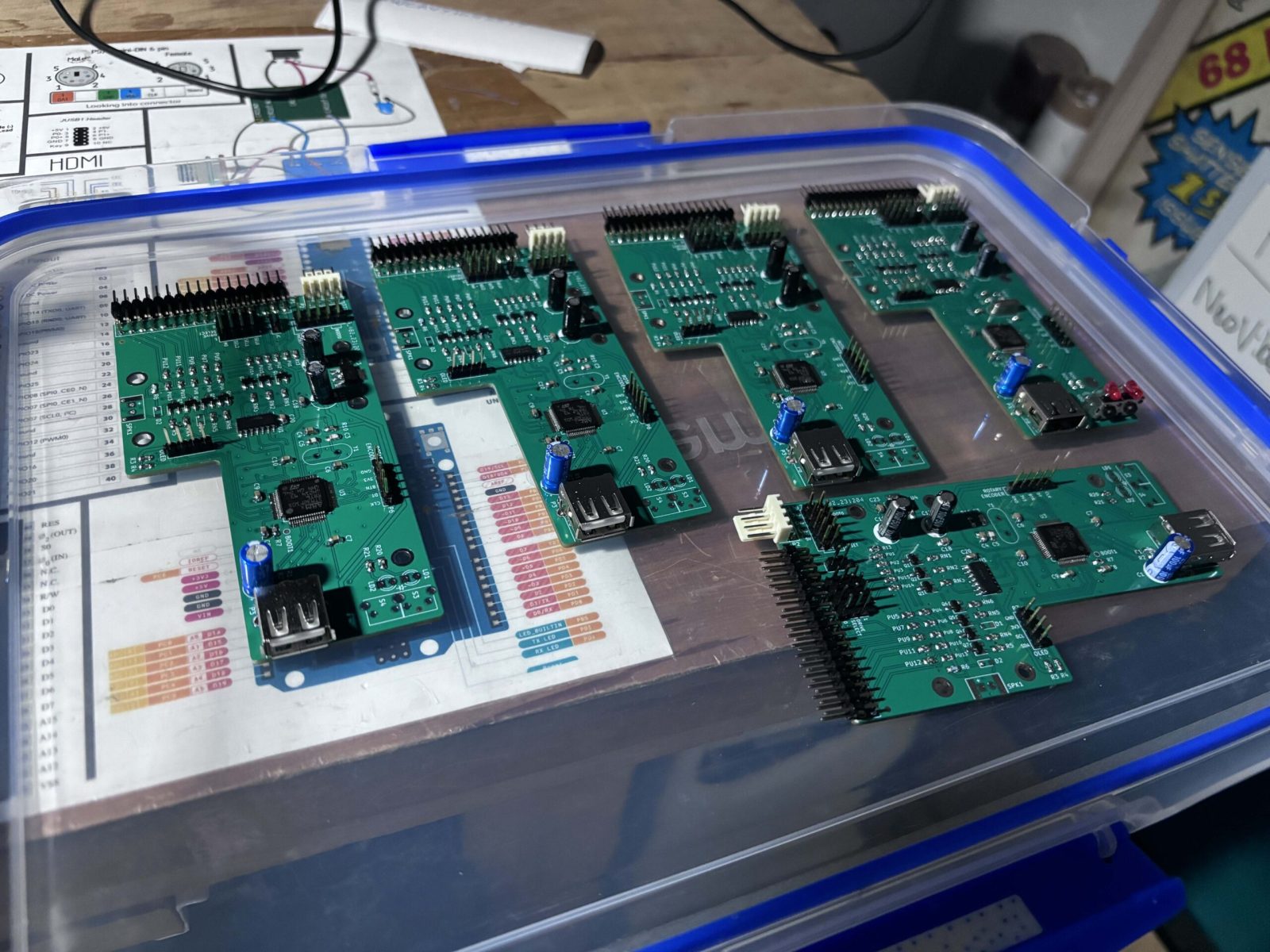
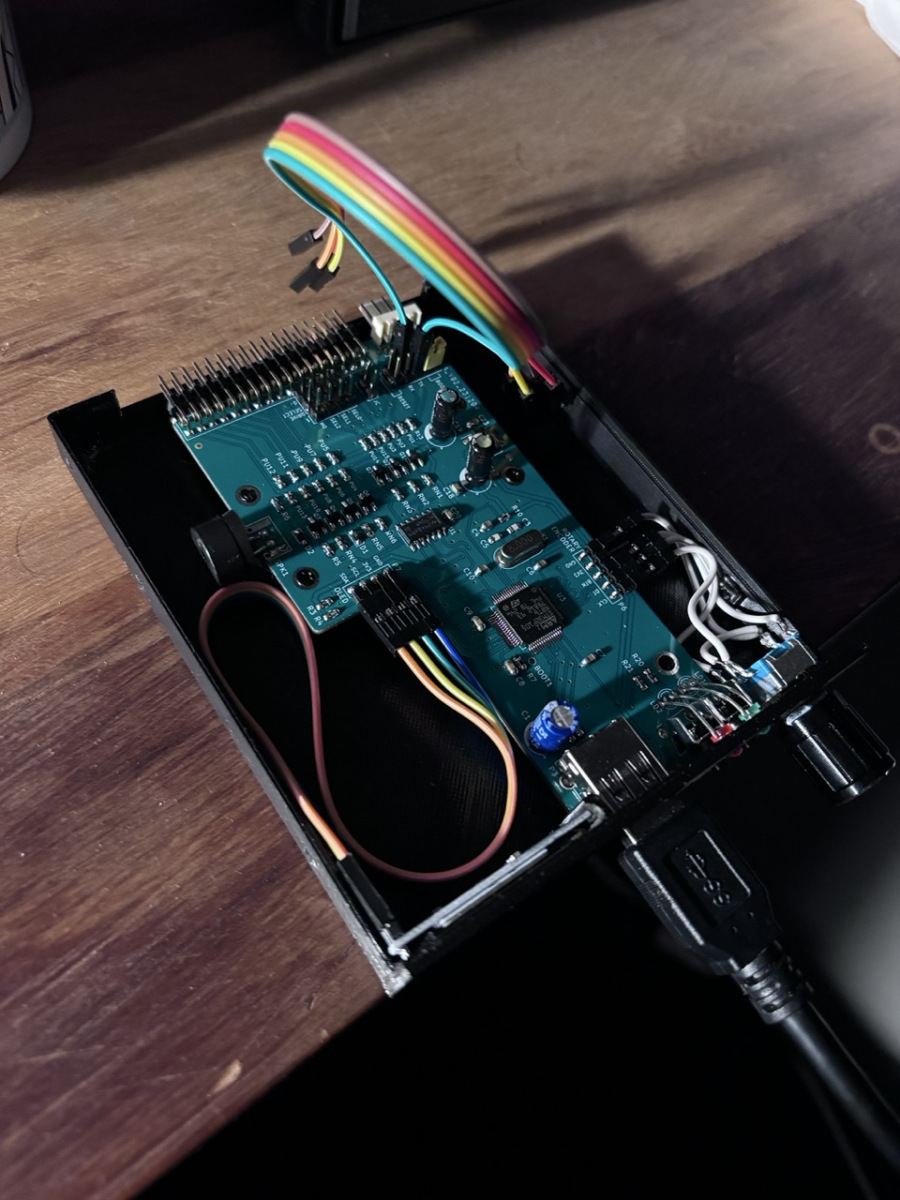
So I finally got sick of 3.5″ Floppy drives and modifying the aliexpress gotek clones so i built some of OpenFlops clones that have the OLED screen and rotary encoder in the them and swapped all my machines over.
Putting them together
The project is located here on GitHub: https://github.com/SukkoPera/OpenFlops. The soldering was pretty straight forward, I think the only issue I had was finding parts and finding the STL for them. I ended up using these prints on thingiverse: https://www.thingiverse.com/thing:4760666
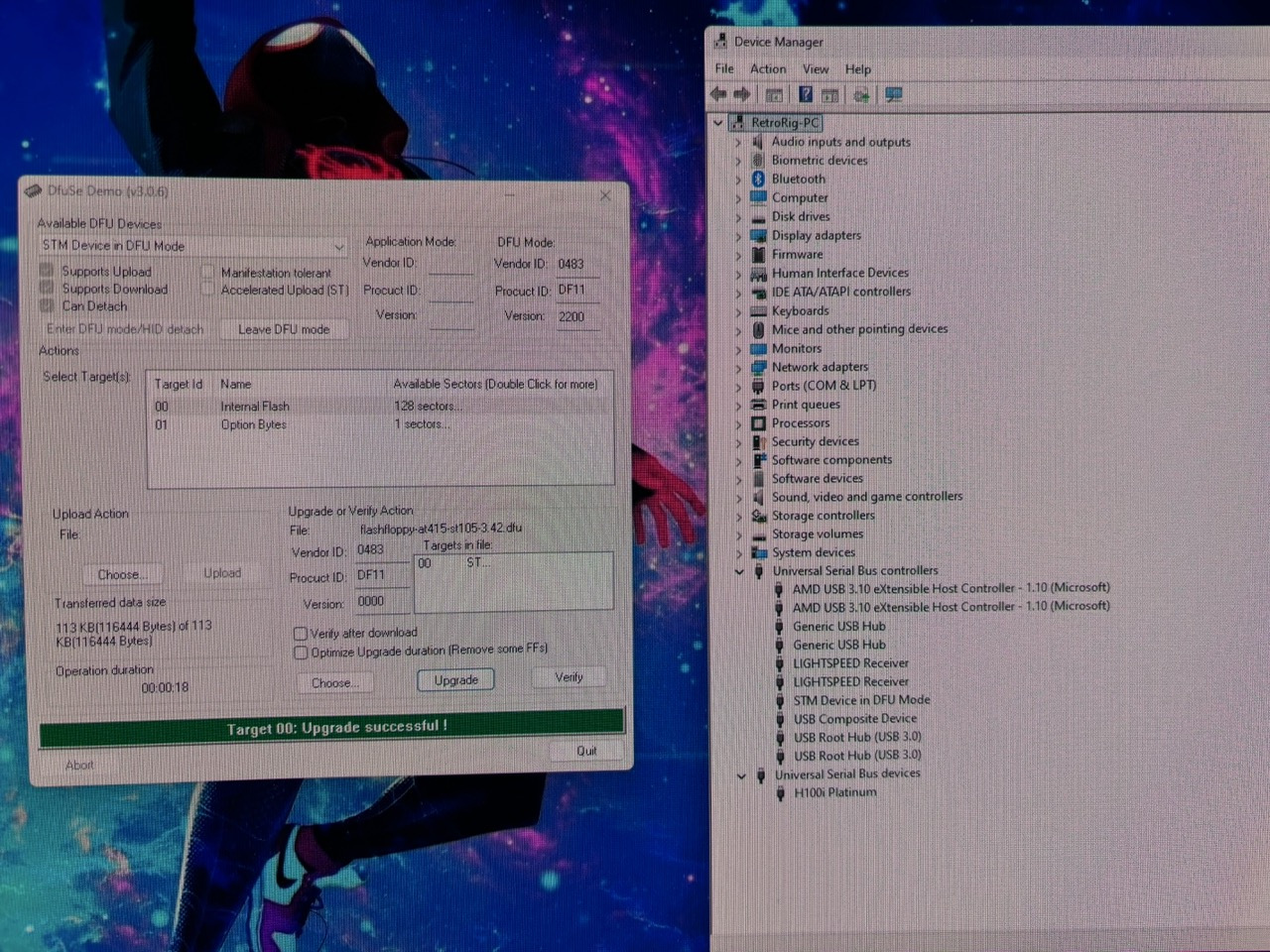
Programming
Getting them programmed was also pretty straight forward. I jus followed the guide here https://github.com/keirf/FlashFloppy/wiki/Firmware-Programming#stm32-microcontrollers
by bassybeats | Oct 26, 2025 | Computing
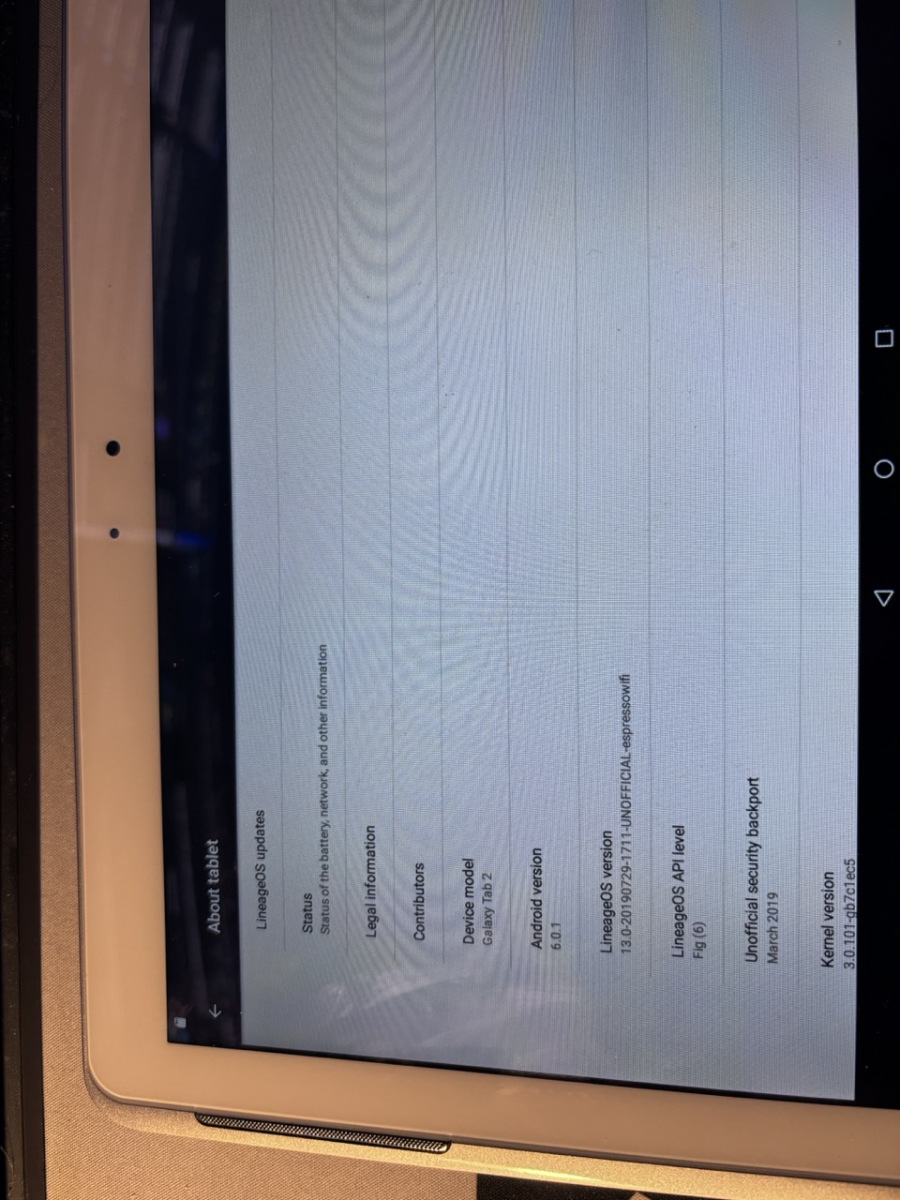
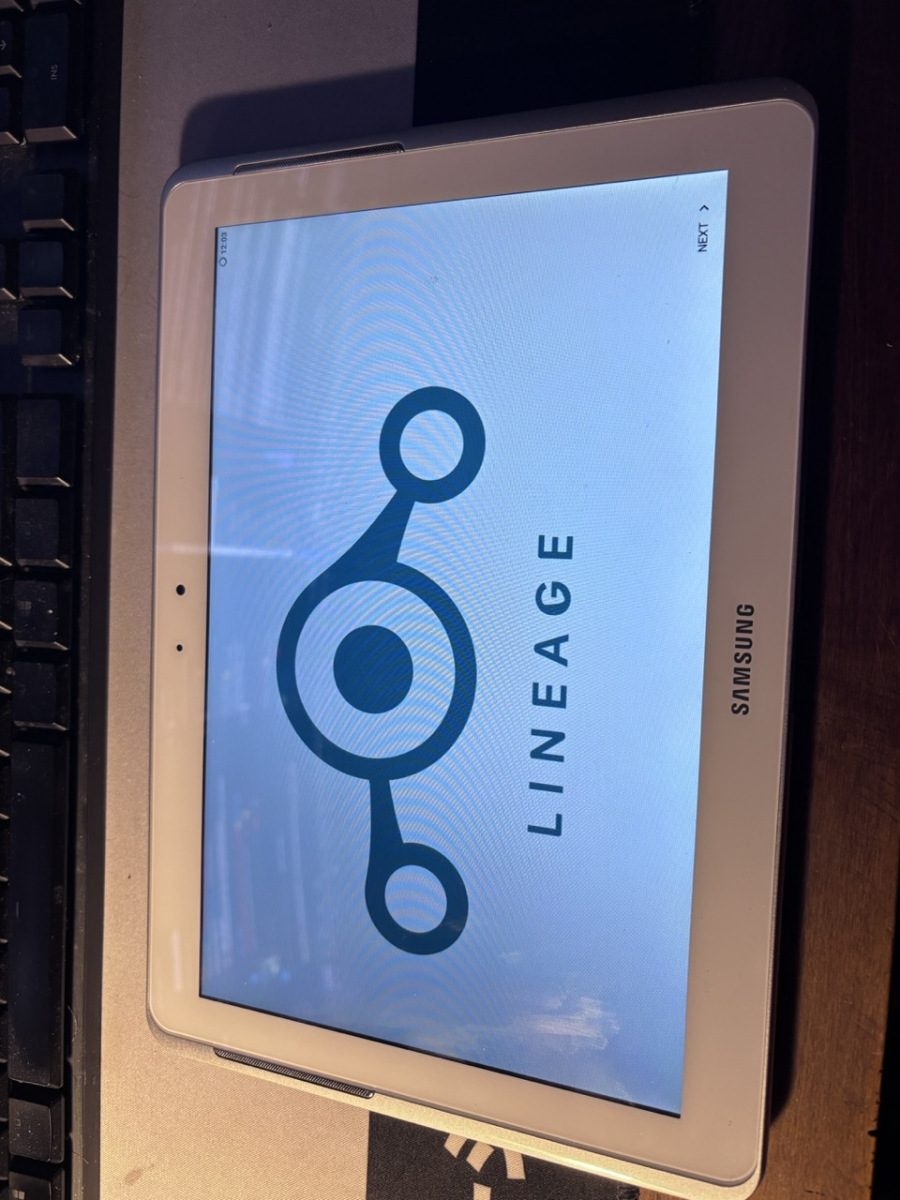
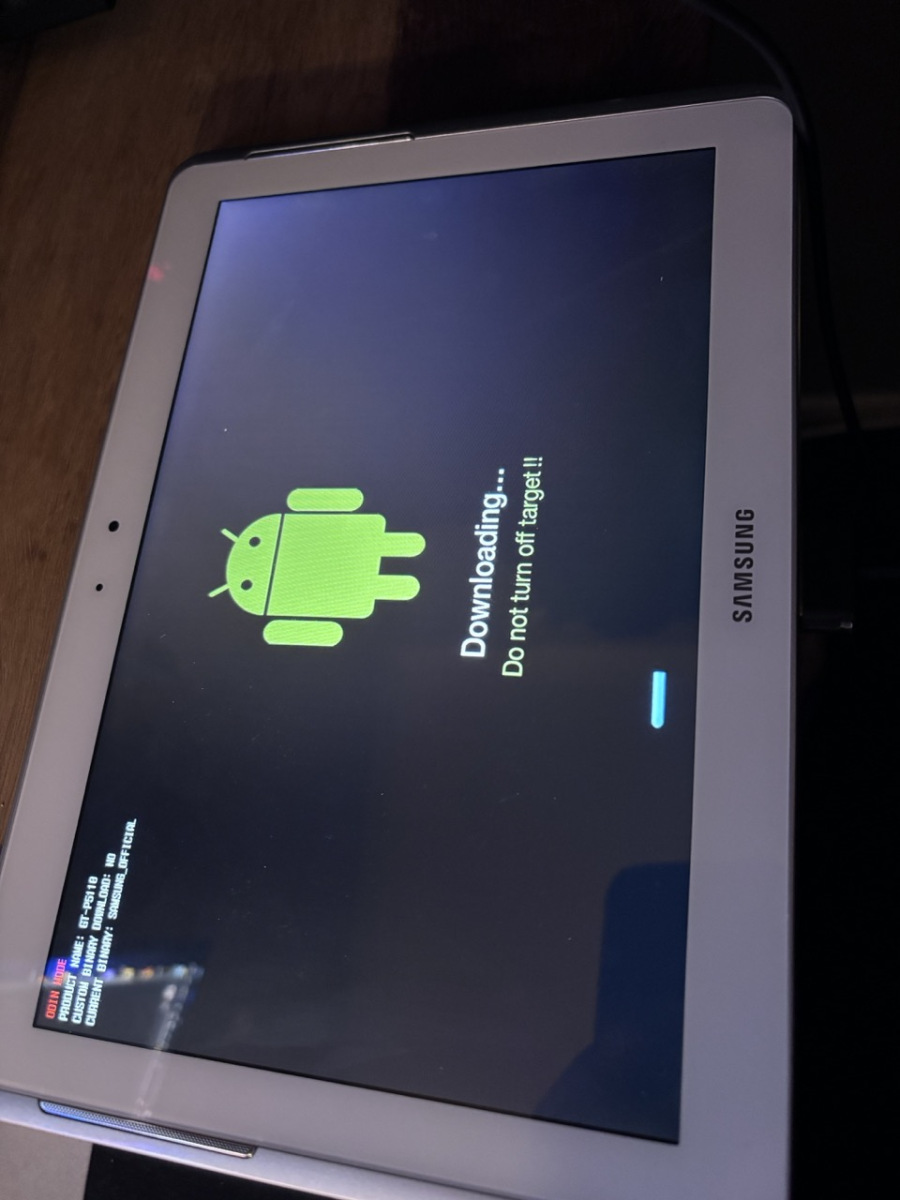
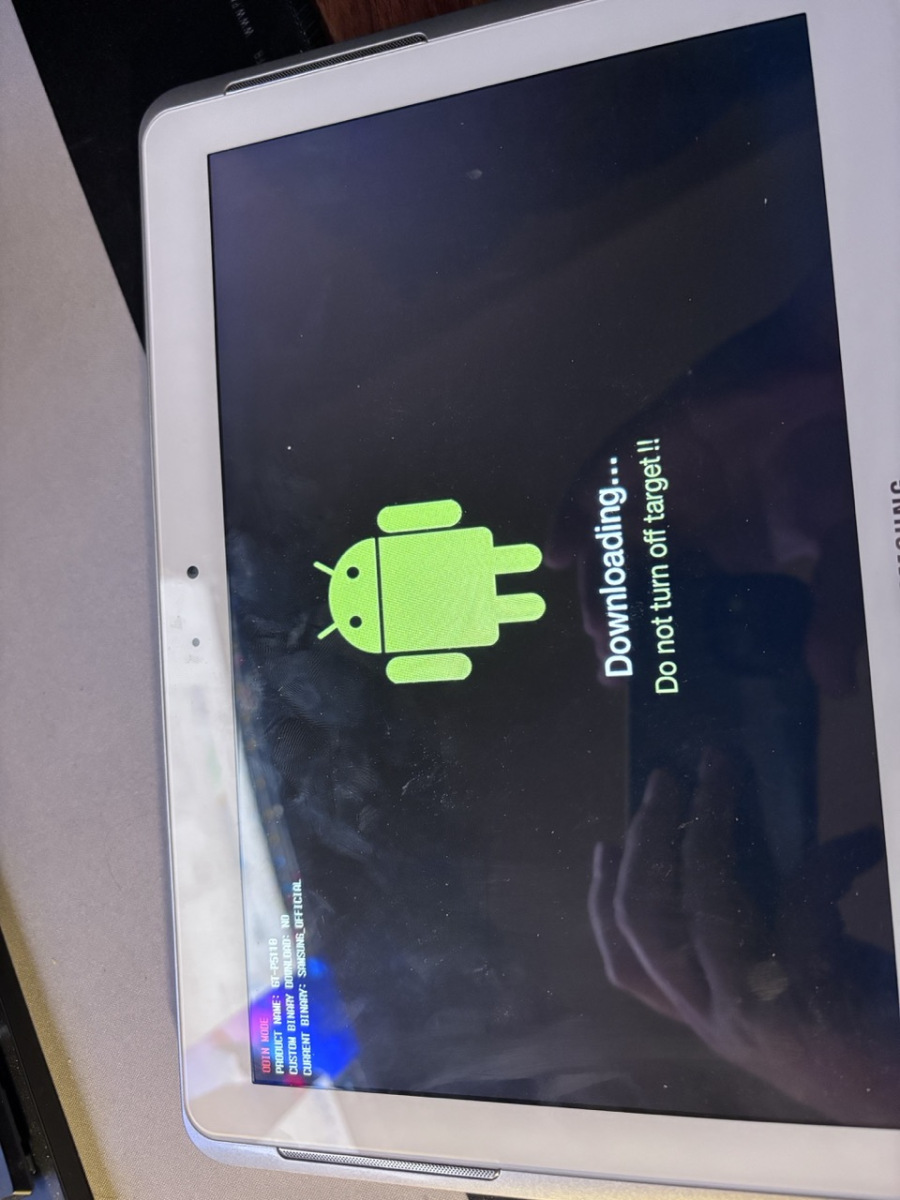
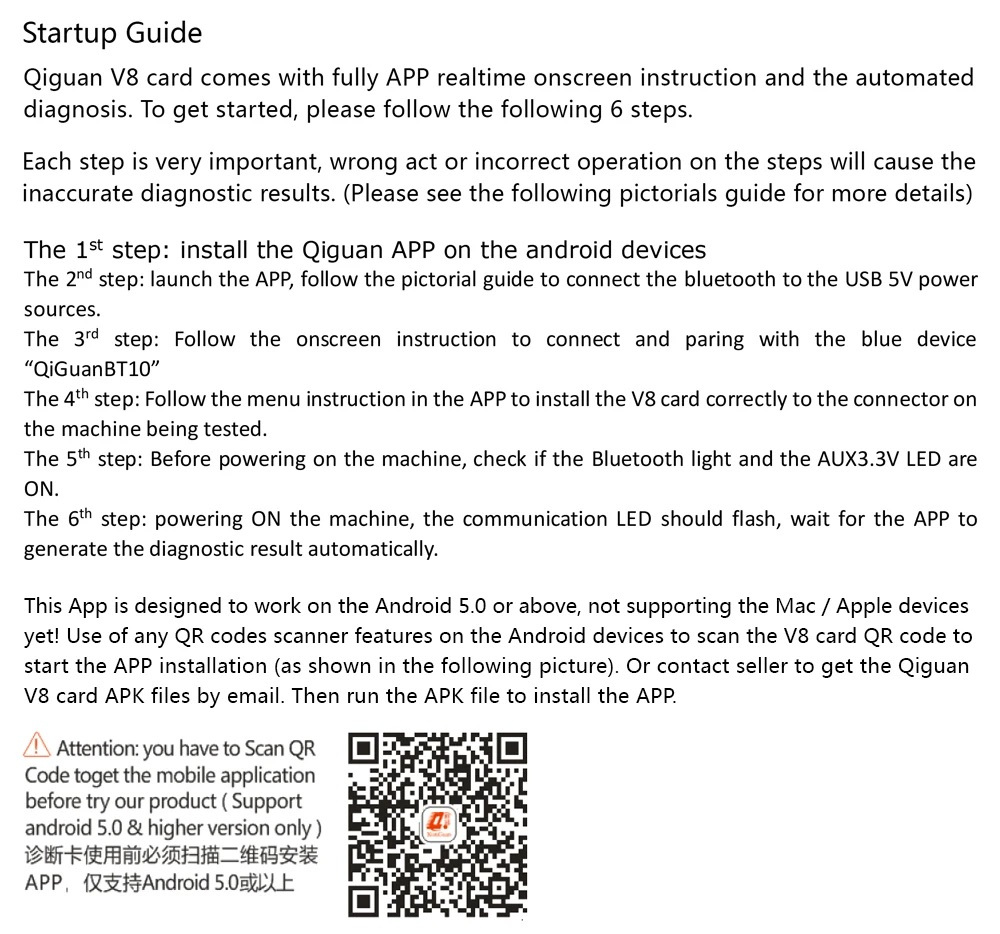
A while back I was given an old Android tablet, a Sasmsung Tab 2 10.1 specifically and I had no use for it as the OS was far too old. That was until I had to get a PCIe Diagnostics Card working with an android device and didn’t want to buy one. So in comes custom android.
Installing a custom Rom on the Tab 2
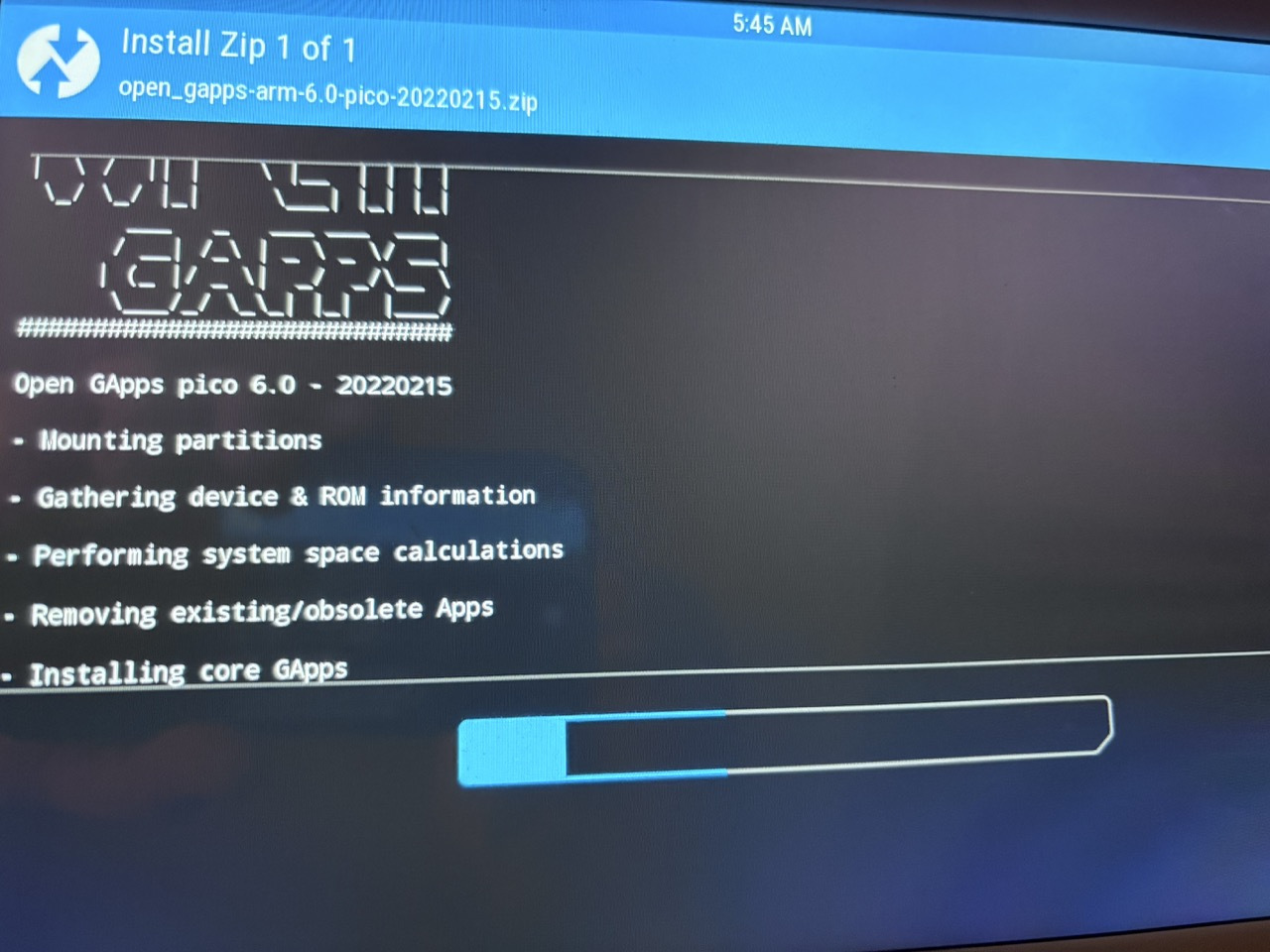
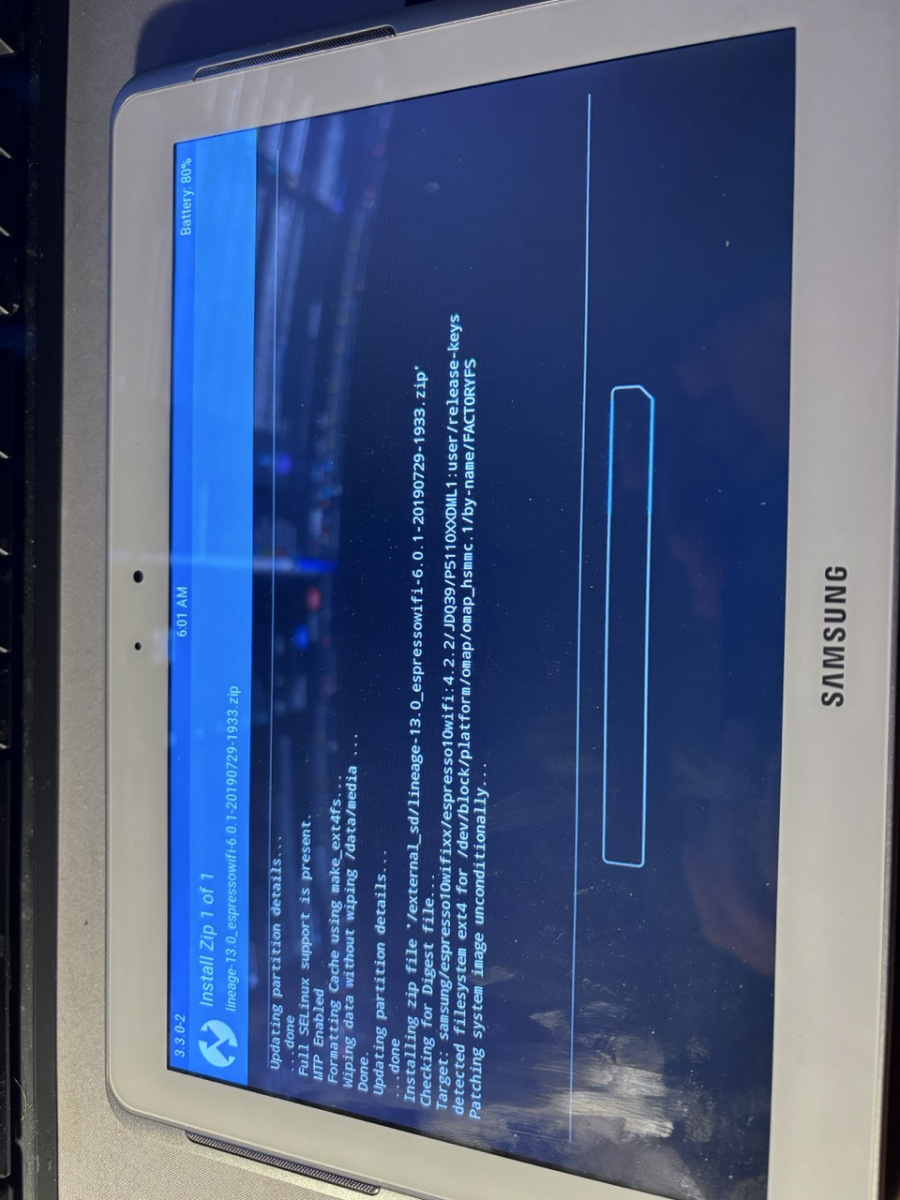
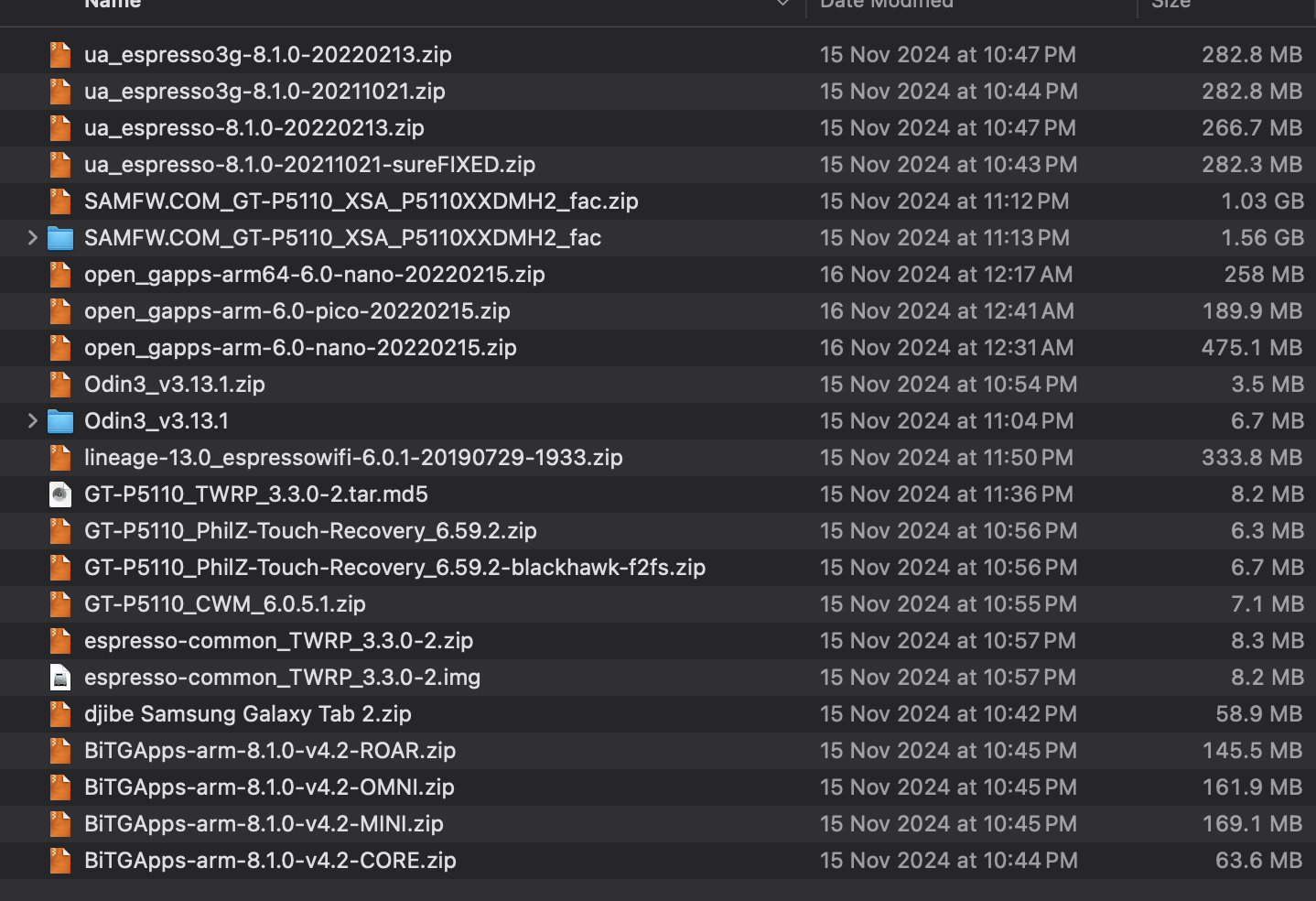
I gave a few options like ExpressoWifi3G and Odin3 working but it never worked, I really wanted Android 8 as people got it working but I had to settle for LineageOS 13 / Android 6. It seemed pretty straight forward once I found the right package. I mostly followed this guide: https://xdaforums.com/t/complete-guide-to-root-and-update-samsung-galaxy-tab-10-1-gt-p5110.4229479/
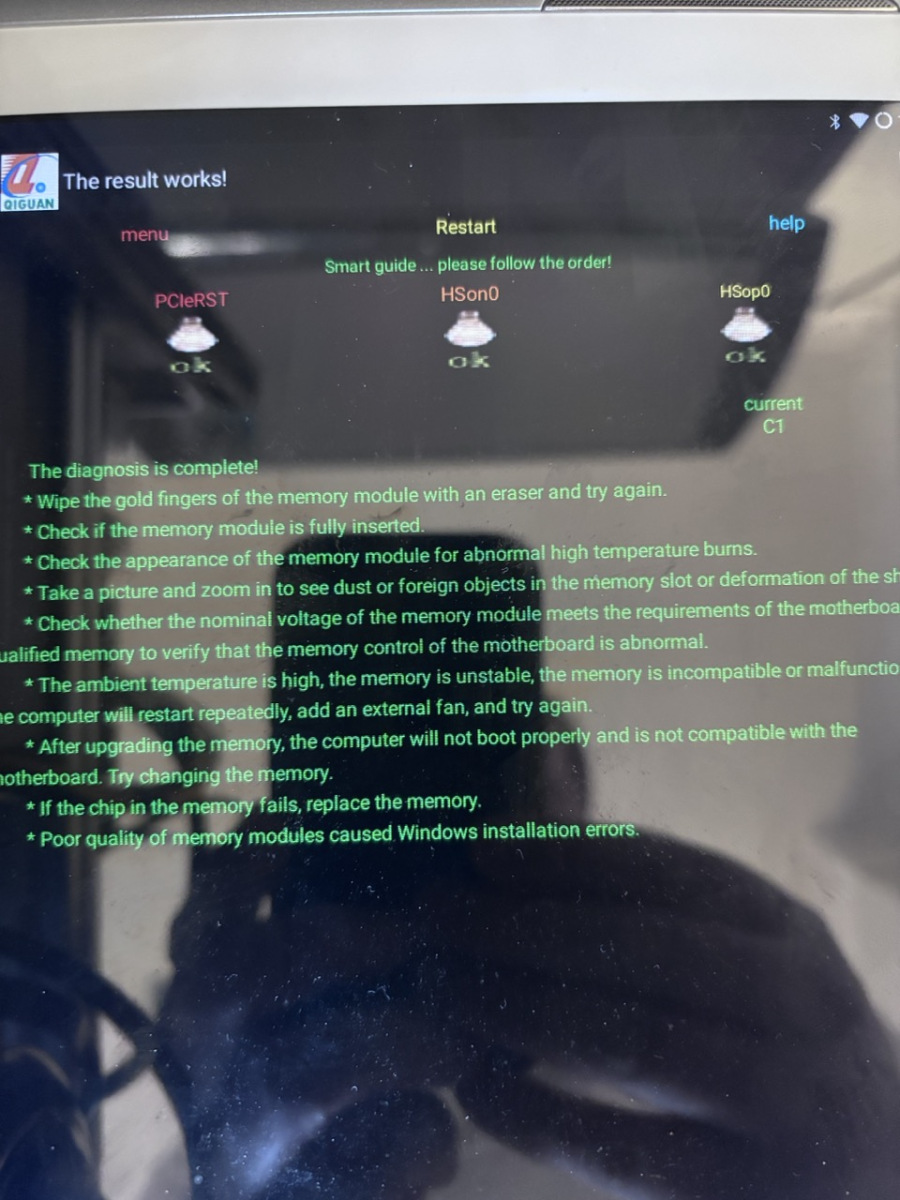
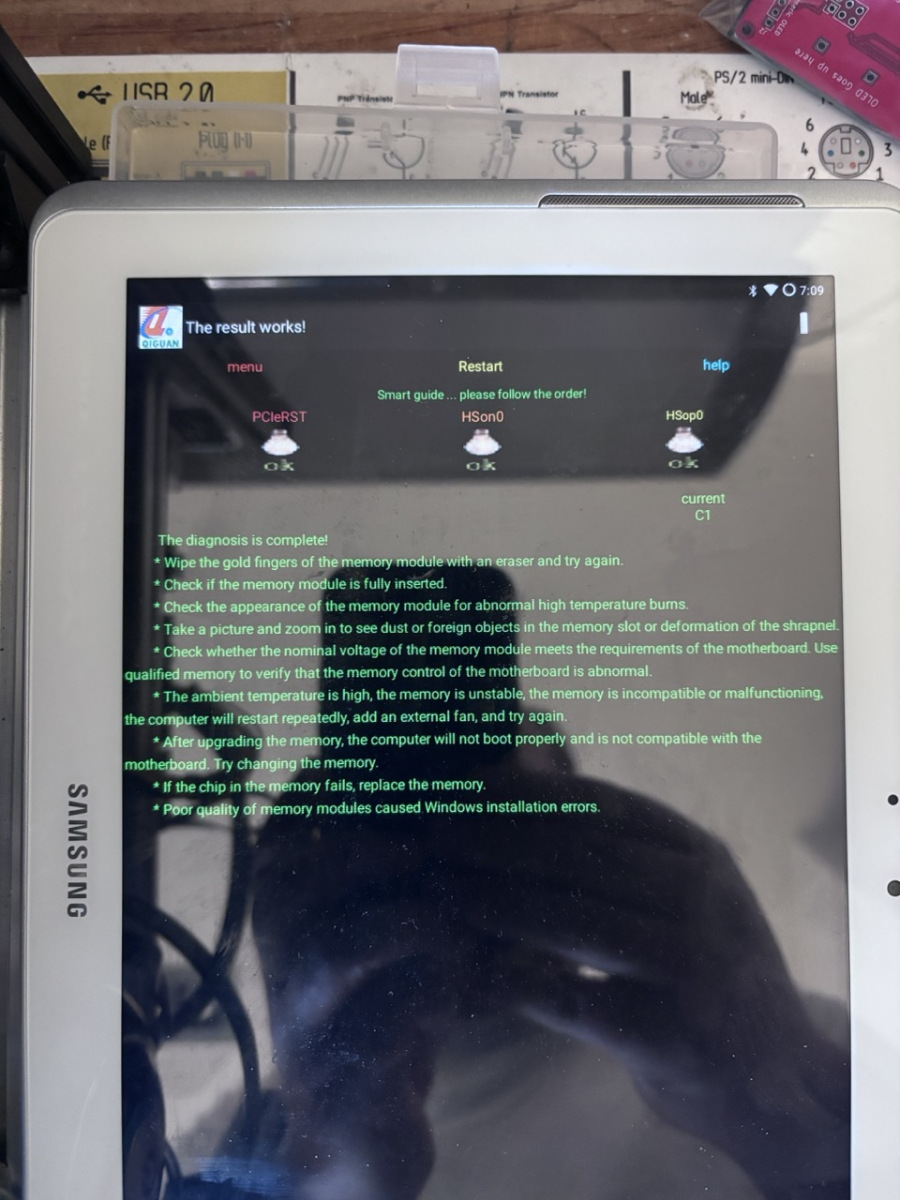
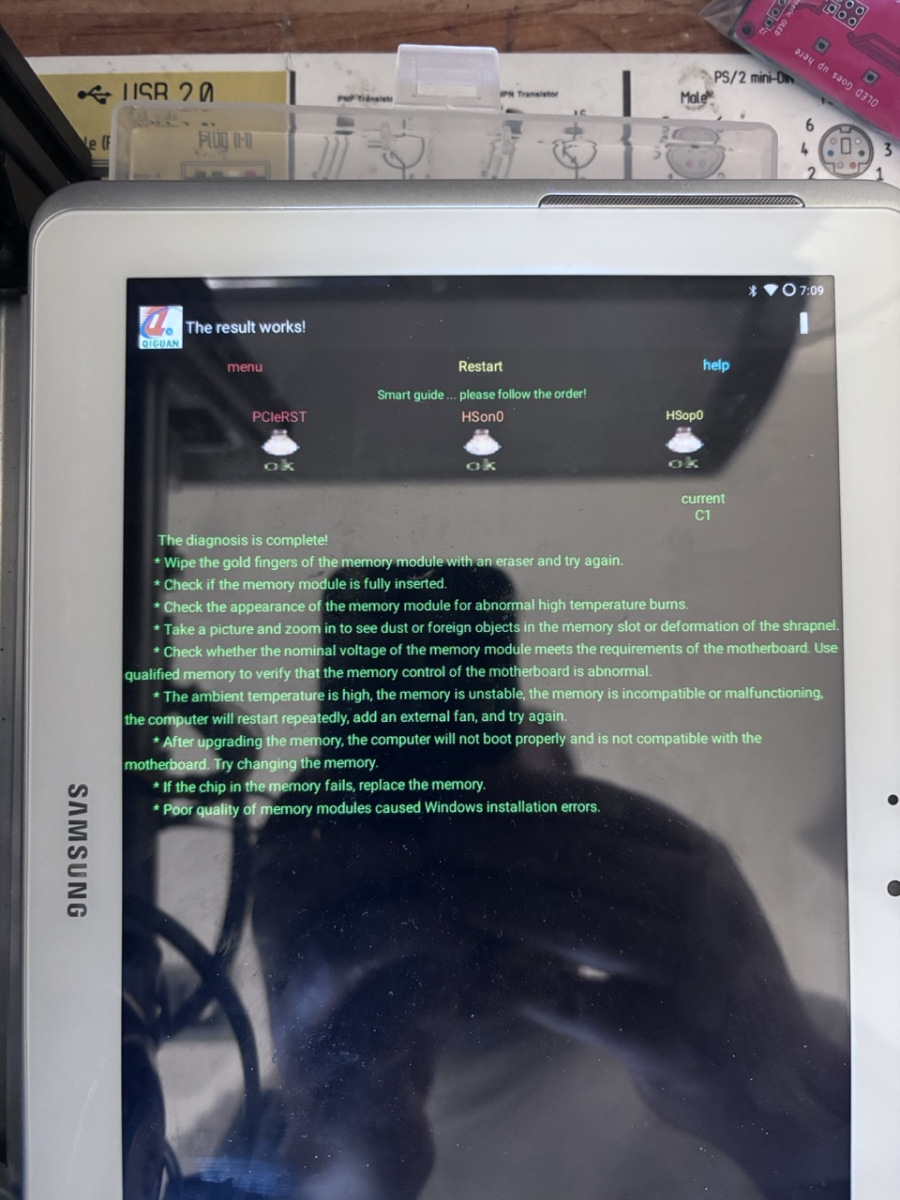
I think I had to install GApps to get the playstore working on it, to then get the PCIe post card software working. The worst part was the Samsung tablet using a proprietary power cable which took a while to find on AliExpress.
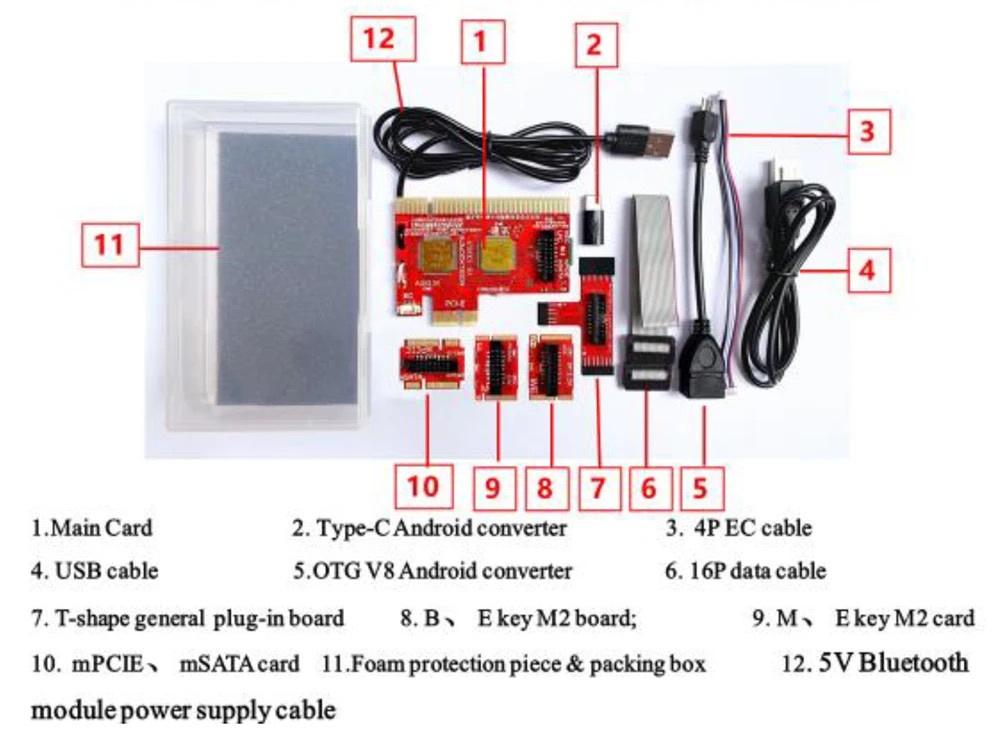
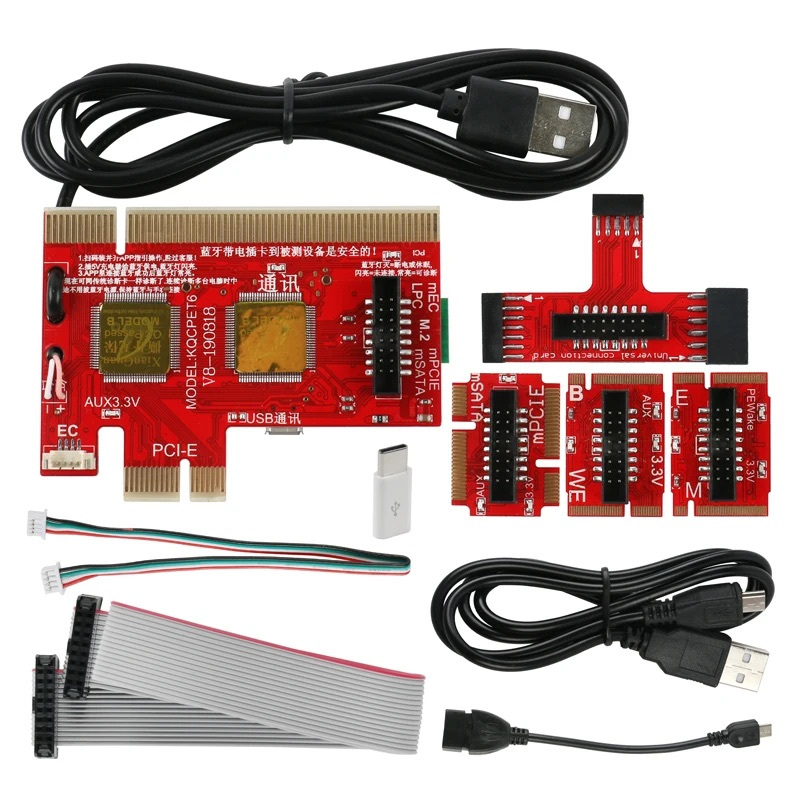
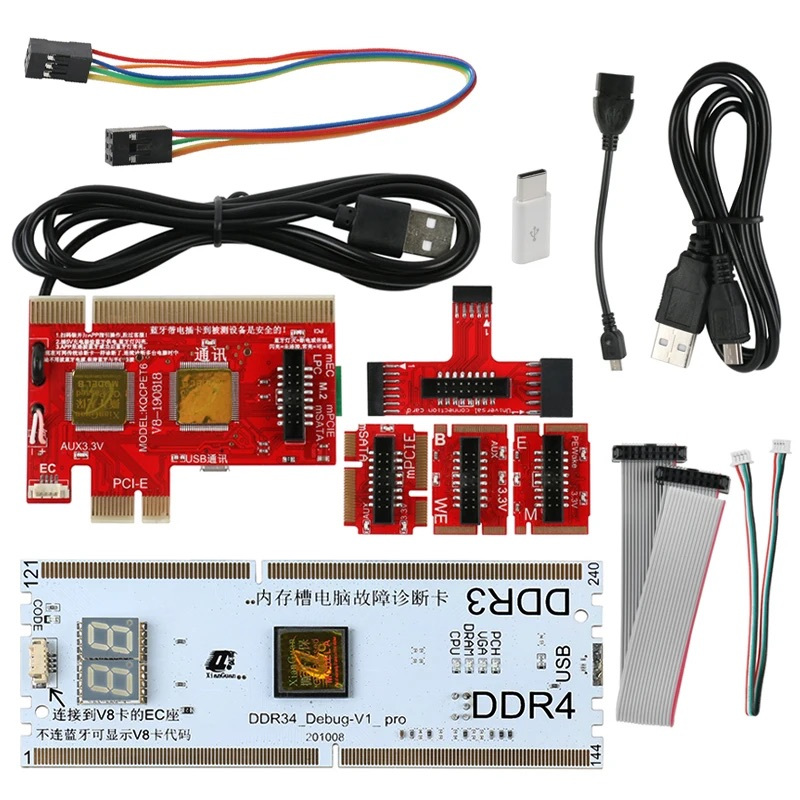
Post Card for reference
https://www.aliexpress.com/i/4000337924298.html


Recent Comments